How Did 35,000 Users Get Hit by Phishing?
Between April 14–16, 2026, attackers posing as HR departments stole authentication tokens from 35,000 people across 26 countries — without ever needing their passwords. Standard two-factor authentication didn't stop it. Here's what actually will.
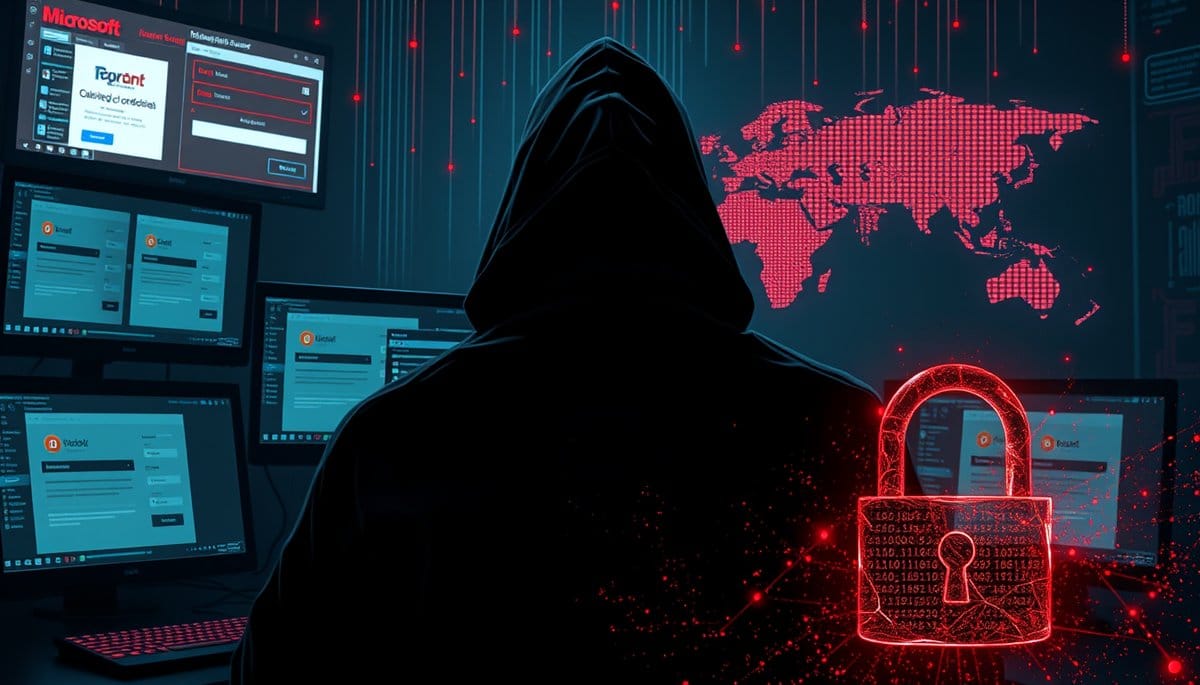
Between April 14 and 16, 2026, attackers ran a coordinated phishing campaign that hit 35,000 users across 13,000 organizations in 26 countries — stealing not passwords, but authentication tokens, which bypass two-factor authentication entirely. If you use Microsoft 365 at work or at home, this attack was almost certainly aimed at someone in your organization.
The Real Attack: 35,000 Victims, 3 Days, One Trick
Microsoft's threat intelligence team disclosed the details of a campaign that ran for just 72 hours in mid-April 2026 — and that short window is what makes it terrifying. Attackers sent phishing emails disguised as official 'code of conduct' notices. Think: 'You've been flagged for a workplace policy violation. Click here to review.' It's exactly the kind of message that makes your stomach drop and your brain stop thinking clearly.
The targets weren't random. Ninety-two percent were based in the U.S., and the campaign hit healthcare organizations hardest — places where employees are under pressure, handle sensitive data, and are trained to follow compliance notices immediately. That's not a coincidence. That's targeting.
The emails themselves were routed through legitimate email services — real platforms, not obvious spam servers — which meant corporate filters largely waved them through. Victims clicked links, were redirected to attacker-controlled domains that looked exactly like Microsoft login pages, and handed over their session tokens without ever knowing it happened.
How the Attack Works: Token Theft Is Not the Same as Password Theft
Most people have a mental model of phishing that goes: fake email → fake login page → you type your password → they steal it. That model is now outdated. This campaign used a technique called adversary-in-the-middle (AiTM) phishing, and it's significantly more dangerous.
Here's the actual sequence:
1. You receive an email warning of a code of conduct violation. The sender looks legitimate because attackers routed it through real email infrastructure. 2. You click the link and land on a page that is a pixel-perfect clone of the Microsoft 365 sign-in screen. 3. Here's the part that breaks the old mental model: the fake page acts as a relay. It passes your credentials to the real Microsoft server in real time, then passes Microsoft's response — including your authenticated session token — back to the attacker. 4. You successfully log in. You see a normal page. Nothing looks wrong. 5. The attacker now holds your session token. They don't need your password. They don't need your two-factor code. They are already inside your account.
A session token is essentially proof that you already passed all the security checks. Once someone else holds it, they can import it into their own browser and walk straight in. Standard MFA doesn't see this coming because authentication already happened — legitimately — on your end.
Why Smart, Security-Aware People Still Fell For It
Here's the counterintuitive part that most security guides get wrong: the people who fell for this weren't careless. They were busy, stressed, and working in industries — healthcare especially — where ignoring a compliance notice has real professional consequences.
The psychological mechanics are precise. 'Code of conduct violation' triggers loss aversion immediately. You're not thinking about phishing; you're thinking about your job. The email doesn't ask you to wire money or buy gift cards — those old red flags are gone. It just asks you to log in. Which you do fifty times a day anyway.
The technical execution matched the psychology. Because attackers used legitimate email relay services, the sender domain passed SPF and DKIM checks — the same authentication protocols your IT team relies on to filter spam. The login page rendered correctly on mobile. The SSL certificate was valid. There was a padlock in the browser bar.
I'll be honest: this part is genuinely hard to defend against with awareness alone. The visual and technical signals that trained employees are taught to check for were all present and all clean. The only tells were the domain name in the URL bar — one character off from microsoft.com — and the fact that the request came unsolicited. That's a thin margin for 35,000 people to catch under pressure.
Your Defense Checklist: What Actually Stops This
If you're relying solely on your company's spam filter and standard MFA, you are not protected against this class of attack. That's not an opinion — it's what 35,000 people just learned. Here's what genuinely helps:
**1. Use a FIDO2 hardware security key or passkey instead of standard MFA.** YubiKey, Google Titan, or passkeys stored on your phone use cryptographic binding to the actual domain you're on. A cloned site cannot receive the authentication signal because it fails the domain check automatically. This is the single most effective technical defense available today.
**2. Before you click anything in a compliance or HR email, verify through a separate channel.** Call your HR department directly. Not a number in the email — one you look up yourself. If the notice is real, they'll know about it in thirty seconds.
**3. Check the full URL before entering credentials — on desktop, not mobile.** On mobile, the URL bar is often truncated. If you get a sensitive login request on your phone, switch to desktop before proceeding.
**4. Report it immediately if something felt off, even if you completed the login.** If your account was compromised via token theft, the window to revoke the session is narrow. Most organizations can invalidate tokens within minutes if IT is alerted fast enough. Waiting costs you that window.
**5. Ask your IT team specifically about Conditional Access Policies in Microsoft 365.** Microsoft offers controls that can flag or block logins from unfamiliar devices or locations even when a valid token is presented. Many organizations haven't enabled them.
Key Takeaways
FAQ
Q: How do I know if my Microsoft account was compromised in this campaign?
A: Log into your Microsoft account, go to Security → Sign-in activity, and look for any sessions from unfamiliar locations or device types between April 14–16, 2026. If you see anything unusual, immediately go to Security → Active sessions and sign out of all devices, then change your password and enable a passkey.
Q: Does enabling two-factor authentication actually protect me from this kind of attack?
A: Against standard credential phishing, yes — standard MFA is still worth having. Against AiTM token-theft attacks specifically, authenticator-app-based MFA does not prevent account takeover once the token is captured; only FIDO2 passkeys or hardware keys cryptographically block this attack type because they verify the actual domain, not just a code.
Q: What should I do right now if I think I clicked a suspicious Microsoft login link recently?
A: Go directly to account.microsoft.com, sign in, and immediately revoke all active sessions under Security settings — this invalidates any stolen tokens before attackers can use them further. Then report it to your IT or security team so they can audit whether any data was accessed during the exposure window.
Conclusion
35,000 people found out their accounts were compromised after the fact — because that's how token theft works. There's no alarm, no unusual charge, no obvious sign. The single most protective action you can take today is opening your Microsoft, Google, or Apple account settings and enabling passkey login, which takes about four minutes and makes this entire class of attack irrelevant against your account. Do that before you close this tab.
Related Posts
- How Does AI Help Cybersecurity Teams — And How Do Attackers Abuse the Same Tools?
The same AI tools that help security teams detect threats in milliseconds are being weaponized to clone voices, generate perfect phishing emails, and impersonate executives on live video calls. This isn't a future risk — it already cost one company $25 million in a single afternoon. Here's exactly w - How Are AI Deepfakes Used in Romance Scams?
Romance scammers are now using real-time AI deepfake video and cloned voices to impersonate attractive strangers — and sometimes even your own family members. The technology costs less than $20/month and is shockingly convincing. Here's what the attack looks like and how to protect yourself today. - How Are AI Deepfakes Stealing Billions From You?
A CFO in Hong Kong wired $25 million after a video call with people who didn't exist. AI deepfakes now clone voices from 3 seconds of audio and generate real-time video of anyone. This is happening to ordinary people right now — not just executives.