Why Are Cursor, Claude & Codex Converging Now?
Cursor, Claude Code, and OpenAI Codex aren't just similar tools — they're converging into a single category because the AI model quality, IDE integration, and autonomous agent technology all hit a tipping point at the same moment. This isn't a coincidence. It's the result of three separate timelines
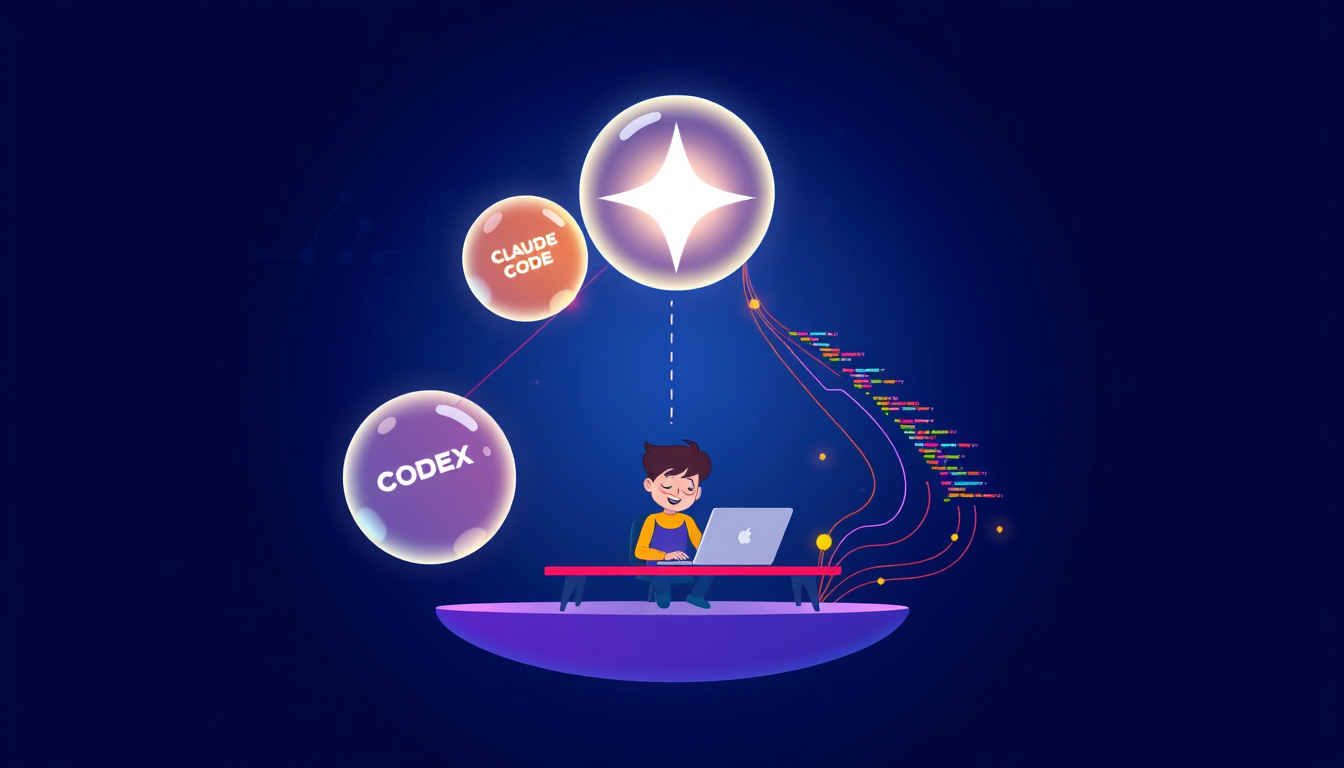
Cursor, Claude, and Codex are converging right now because three things happened simultaneously: large language models got good enough to write real code, IDEs became programmable enough to host AI agents, and cloud compute got cheap enough to run inference on every keystroke. These three timelines synced up in 2024, and the result is that every serious AI coding tool is now racing toward the same destination — an AI that can read your whole codebase, plan multi-step changes, and execute them without you babysitting every line.
What 'Convergence' Actually Means for AI Coding Tools
Think of it like smartphones before and after the iPhone. In 2006, you had cameras, MP3 players, and phones — three separate devices. Then one device absorbed them all because the underlying hardware finally made it possible. That's roughly what's happening with AI coding tools.
Cursor started as a code editor (like VS Code) with AI baked in. Claude Code started as a chat assistant that could write code. Codex started as OpenAI's code-generation API. These were genuinely different products with different jobs.
But here's what changed: all three now do the same core thing — they read your entire project, understand what you're building, write new code, edit existing files, run terminal commands, and fix their own errors. That's not a chat tool. That's not an autocomplete. That's an autonomous coding agent.
The reason they look so similar today isn't that companies copied each other (though some of that happened). It's that the technology finally forced them all to the same design. When your AI can hold 200,000 tokens of context — roughly a small app's worth of code — the obvious next step is to give it tools to act on that context. Every team working on this reached the same conclusion around the same time.
The Three Timelines That Collided in 2024-2025
This is the part most explainers skip. It wasn't one breakthrough — it was three separate ones landing close enough together that the effect feels sudden.
**Timeline 1: Model quality crossed a threshold.** GPT-4 in 2023 was impressive but unreliable for multi-file edits. Claude 3.5 Sonnet and GPT-4o in 2024 were reliable enough that you could actually trust the output without reading every line. That trust unlocked autonomous workflows.
**Timeline 2: Context windows exploded.** Claude's context window went from 9,000 tokens in early 2023 to 200,000 by late 2024. That's the difference between an AI that can see one file and one that can see your whole project. Cursor's Composer feature and Codex's repo-level tasks only make sense with huge context.
**Timeline 3: The 'agent loop' became standard.** An agent loop is when the AI writes code, runs it, sees the error, fixes the error, and tries again — without you clicking anything. This pattern was experimental in 2023. By mid-2025, Cursor, Claude Code, and Codex CLI all ship it as a default feature.
Here's a quick way to see this yourself right now: 1. Open Cursor and try the Composer with 'agent mode' on. 2. Ask it to 'add a dark mode toggle to my app.' 3. Watch it edit multiple files, check its own work, and ask you before running commands.
That three-step loop — plan, execute, verify — is identical across all three tools. That's convergence.
The Misconception That's Wasting Beginners' Time
Most guides tell you to 'pick the right tool for the job' and list feature comparisons. That advice is mostly useless right now. Here's why.
The tools are converging so fast that any comparison table is outdated within 90 days. Codex added autonomous file editing in May 2025. Claude Code added IDE integration that same month. Cursor added background agents shortly after. If you spent a week deciding which tool to learn, you wasted a week.
The real mistake I see beginners make: treating these tools like search engines, where you type a question and read the answer. That's not the mental model. The right mental model is a junior developer who needs clear instructions.
If your prompt is vague, you get vague code. Every time. I've seen this fail when beginners write 'make my website better' and then complain that the AI 'doesn't understand' them. The AI understood you fine — you just asked a question that no human developer could answer either.
Fix this today with one rule: describe the starting state, the ending state, and any constraints. Example: 'I have a single HTML file with a blue button. Add a click counter below the button that starts at zero and goes up by one on each click. Use only vanilla JavaScript, no libraries.'
That prompt works the same way in Cursor, Claude Code, and Codex. The convergence means your prompting skill now transfers across all three tools — which is genuinely exciting for beginners.
Which Tool Should You Actually Start With?
Since they're converging, the differences are smaller than the marketing suggests. But they're not zero yet.
| Tool | Best For | Cost to Start | Weakest At | |---|---|---|---| | Cursor | Beginners who want a full editor | Free tier available | Large repo analysis | | Claude Code | Terminal-comfortable users | ~$20/mo Claude Pro | No built-in GUI editor | | Codex CLI | Developers already using OpenAI API | Pay-per-token | Setup complexity |
Honest take: if you have zero coding experience, start with Cursor. The free tier is real, the interface looks like a normal code editor, and the Agent mode is beginner-friendly. You'll get your first working app faster there than in a terminal-based tool.
Once you're comfortable — probably after your first two or three small projects — try Claude Code for a week. The way it explains its reasoning out loud is genuinely useful for learning. That's a specific detail you only notice after actually using both.
Key Takeaways
- Context windows grew from ~9,000 tokens in early 2023 to 200,000 by late 2024 — that single change is the main reason autonomous coding agents became possible at all.
- Cursor, Claude Code, and Codex all shipped 'agent loops' (write → run → fix → repeat) as default features within roughly 6 months of each other in 2024-2025, which is why they suddenly feel identical.
- Counterintuitive: learning which tool to pick is less valuable than learning to write specific prompts — because prompt quality transfers across all three tools as they converge.
- You can try the convergence yourself today: open Cursor's free tier, turn on Agent mode, and ask it to build a simple to-do list app. Watch it edit multiple files automatically — that's the agent loop in action.
- By end of 2025, expect all three tools to offer background agents that work while you sleep — Cursor already has an early version. The beginner who understands how to direct these agents now will have a year's head start.
FAQ
Q: Is there actually a meaningful difference between Cursor and Claude Code right now?
A: Yes, but it's narrowing fast. Cursor is an editor (you write code inside it), while Claude Code runs in your terminal and edits files externally — so the user experience is very different even if the underlying capability is similar. For a complete beginner, Cursor's interface is significantly less intimidating.
Q: Do these AI tools actually write production-quality code, or is this hype?
A: For small, well-defined tasks they're genuinely reliable — a login form, a data table, a simple API call. For complex architecture decisions or security-critical code, they still make confident-sounding mistakes that an experienced developer would catch. Use them to build and learn, but don't deploy financial software without a human review.
Q: How do I actually get started if I've never written a line of code?
A: Download Cursor for free at cursor.com, open it, and type your first prompt in the chat panel — something like 'Create an HTML file with a button that shows my name when clicked.' That's genuinely all you need for your first win.
Conclusion
Cursor, Claude, and Codex are converging because the technology — not the marketing — forced them to. Three separate timelines hit at once, and the result is a new category: the AI coding agent. This is early enough that learning now puts you ahead, not behind. Your specific next step: go to cursor.com, sign up for the free account, and ask it to build one tiny thing you actually want — a birthday countdown, a random joke generator, anything. Ship something in the next hour. That first working project will teach you more about how these tools think than any amount of comparison shopping.