Why Do AI Coding Projects Fail So Often?
AI coding projects fail for one core reason: people treat AI like a magic button instead of a junior developer who needs clear instructions. Fix your prompts, add checkpoints every 20 minutes, and never let AI write more than 50 lines before you review. That's 90% of the battle.
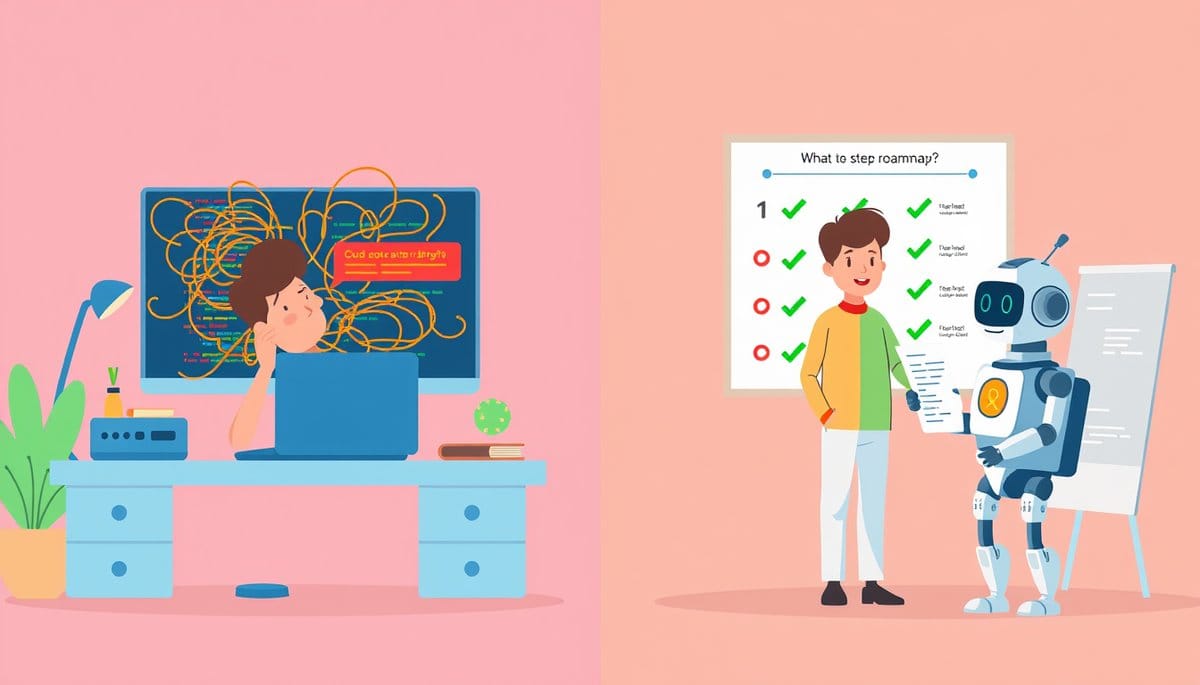
AI coding projects fail because beginners hand over too much control too fast — writing vague instructions, skipping reviews, and letting AI generate hundreds of lines before checking anything. The fix is simple: treat your AI like a junior developer, give it one small task at a time, and verify every chunk of work before moving forward.
The Real Reason AI Coding Projects Fall Apart
Here's the analogy that makes this click: imagine hiring a brand-new intern on their first day and handing them a sticky note that says 'build me the whole website.' Then you walk away for three hours. When you come back, they've built something — but it's not what you wanted, and now it's deeply tangled with the wrong assumptions baked into every layer.
That's exactly what happens when you type 'build me a to-do app' into Claude or Cursor and hit enter without context.
AI coding tools like GitHub Copilot, Cursor, and Claude are genuinely powerful — but they are not mind readers. They fill in gaps with their best guess, and those guesses compound. One wrong assumption at step 1 becomes five broken features by step 10.
The three root causes of failure are:
1. **Vague prompts** — 'Make it better' tells the AI nothing. 'Add a delete button that removes the item from the list and saves to the database' is actionable. 2. **No checkpoints** — Letting AI write 300 lines before you look at a single one is like letting the intern work blindfolded. 3. **Skipping the 'why'** — AI generates code that works in isolation but breaks your specific project because you never explained what already exists.
The good news? Every single one of these is 100% preventable with a small habit change.
A 5-Step System That Prevents AI Project Failure
Here's the exact workflow experienced developers use — and beginners can start using today:
**Step 1: Write a one-paragraph project brief before touching the AI.** Describe what you're building, who it's for, and what it should NOT do. Example: 'I'm building a simple expense tracker for personal use. It should let me add expenses with a name, amount, and category. No user accounts needed yet.'
**Step 2: Break your project into tasks that take under 20 minutes each.** Instead of 'build the app,' write: 'Create a form with three fields: name (text), amount (number), category (dropdown with 5 options).'
**Step 3: Always include context in every prompt.** Paste the relevant existing code into your prompt and say: 'Here is my current code. Add X without changing anything else.'
**Step 4: Review every 30–50 lines — no exceptions.** You don't need to understand every word. Ask the AI: 'Explain this block like I'm 10.' If the explanation doesn't match what you wanted, catch it now before it grows.
**Step 5: Use version control as your safety net.** Tools like GitHub let you save snapshots of your project. Run `git commit -m 'working form added'` after every successful step. If things break, you can roll back in 30 seconds. This one habit alone eliminates the fear of experimenting.
Projects that follow this system ship. Projects that skip it usually die somewhere around week two when the codebase becomes too tangled to untangle.
The Mistake Most Guides Won't Tell You About
Most tutorials say: 'Write better prompts and you'll be fine.' Here's why that's only half true.
Better prompts help — but the real killer is **reviewing AI code as if it's definitely correct.** It isn't. AI tools like Claude 3.5 Sonnet and GPT-4o have an accuracy rate of roughly 60–80% for real-world, multi-file projects. That means 1 in 5 code blocks has something wrong, subtle, or subtly broken.
Beginners make one specific error: they run the code, it seems to work, and they move on. But 'seems to work' is not the same as 'actually works.' A bug hiding in your login function doesn't show up until 50 users try to sign in at once.
The fix is a three-question review habit after every AI-generated block:
- **Does this do exactly what I asked for, nothing more?** - **Did anything I didn't ask for change?** - **Can I explain in plain English what this code does?**
If you can't answer question three, paste the code back into the AI and ask for an explanation. Don't move forward until you could describe it to a friend.
One more thing most guides get wrong: they tell you to 'start small.' True. But they don't tell you that starting small means a single button, not a single page. A page has 20 components. A button has one job. Start with the button.
Which AI Coding Tools Handle Beginner Mistakes Best
Not all AI coding tools are equally forgiving. Here's a quick honest comparison:
| Tool | Best For | Biggest Risk | Beginner Score | |---|---|---|---| | **Cursor** | Full project editing with context | Can auto-edit files you didn't ask it to touch | ⭐⭐⭐⭐ | | **Claude (claude.ai)** | Explaining code + planning | No direct file editing — you copy-paste manually | ⭐⭐⭐⭐⭐ | | **GitHub Copilot** | Autocomplete inside VS Code | Suggests code silently — easy to accept without reading | ⭐⭐⭐ | | **ChatGPT (GPT-4o)** | Quick questions and debugging | Confident even when wrong | ⭐⭐⭐ |
**Recommendation for beginners:** Start with Claude for planning and explaining, then graduate to Cursor once you have a working project structure. Claude forces you to read and paste code manually — that friction is actually protective. It means you see every line before it goes in.
Key Takeaways
- AI tools like Claude and Cursor are wrong 20-40% of the time on real multi-file projects — always review before moving forward, not after.
- Breaking your project into 20-minute tasks is more important than writing perfect prompts — task size is the single biggest predictor of project success.
- Counterintuitive: the more you trust AI, the slower your project gets. Constant validation feels slow but saves days of debugging later.
- Run 'git commit' after every working feature today — it takes 10 seconds and means a broken AI suggestion can never permanently damage your project.
- In 2025, the developers shipping the fastest aren't the ones who prompt best — they're the ones who review fastest. Train your eye, not just your typing.
FAQ
Q: How long should I spend reviewing AI-generated code before moving on?
A: For every 30–50 lines of AI code, spend 5 minutes asking the AI to explain it in plain English. If you can summarize it yourself in one sentence — like 'this saves the form data to a list' — you're good to move forward.
Q: Does this actually work for people with zero coding background, or is it just for people who already know some code?
A: It genuinely works for total beginners — the checkpoint system is designed specifically because you can't catch bugs by reading code yet. The three-question review habit and plain-English explanation step mean you're validating logic, not syntax.
Q: How do I start if my AI project is already broken and tangled?
A: Stop adding new features immediately. Open Claude, paste your broken code, and ask: 'What is this code doing wrong and what's the simplest fix?' Fix one thing, confirm it works, then commit. Treat it like untangling headphones — one loop at a time.
Conclusion
AI coding projects don't fail because the tools are bad — they fail because we hand over too much, too fast, without checkpoints. The developers successfully shipping products with AI in 2025 aren't the most technical ones. They're the most structured ones. Your specific next step: before you open any AI tool today, write a three-sentence description of what you're building, break it into your first three 20-minute tasks, and commit to reviewing every 40 lines. That alone puts you ahead of 80% of people who try AI coding and give up.
Related Posts
- Cursor's $50B Valuation: What Beginners Get Right Now
Cursor being valued at $50 billion means AI coding tools are no longer a novelty — they're the new normal for building apps. For beginners, this translates to concrete improvements you can feel right now: faster autocomplete, lower error rates, and free tiers powerful enough to ship real projects. I - How Do AI Coding Agents Deploy Apps?
You can go from a plain-English idea to a fully deployed app using AI coding agents — no prior coding experience required. The process involves writing a clear prompt, letting the AI generate your app, reviewing the output, and deploying with a single click. Thousands of beginners are doing this tod - How Do AI Coding Agents Like Cursor Work?
AI coding agents like Cursor and Claude Code aren't just autocomplete on steroids — they read your entire project, break goals into steps, and take real actions like writing files and running commands. Understanding how they work helps you get 10x better results from them, even with zero coding expe