How to Secure Multiple API Keys Across Projects?
The best way to manage multiple API keys is with environment variables per project, a centralized secrets manager like AWS Secrets Manager or Doppler, and a strict naming convention. Hardcoding keys or reusing them across projects is the single fastest way to leak credentials and blow your budget.
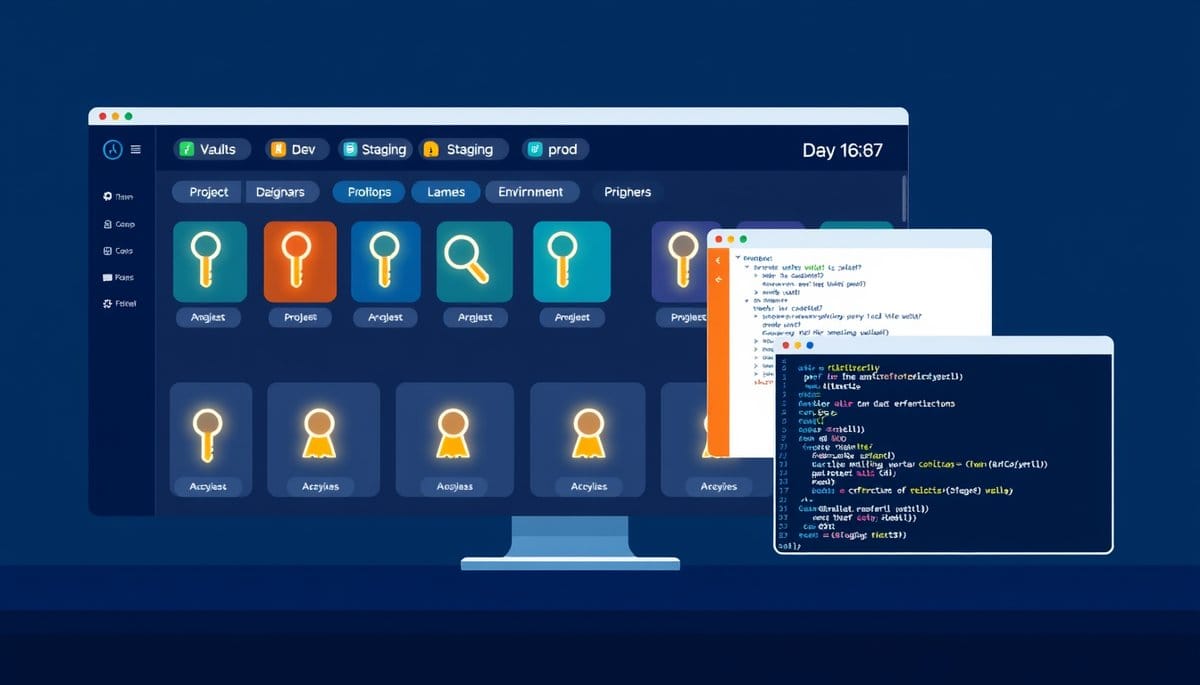
Manage multiple API keys by storing each one in a project-specific environment variable, never in source code. Use a secrets manager like Doppler or AWS Secrets Manager for teams, and enforce a strict naming convention so you always know which key belongs to which project and environment. This approach scales from a solo side project to a 20-person engineering team without changing the core habit.
Why API Key Management Feels Chaotic (And the Mental Model That Fixes It)
Think of API keys like physical keys on a keyring. If every key looks identical and has no label, you will eventually use the wrong one — or lose track of which door it opens. The same thing happens with API keys when developers paste them into .env files ad hoc, name them all API_KEY, or copy one key across three projects.
The fix is a two-layer mental model:
1. **One key per project per environment.** Your OpenAI key for your personal blog is not the same key you use for your client's chatbot. Full stop. 2. **One source of truth per environment.** Development keys live in a local .env file. Staging and production keys live in a secrets manager, never on anyone's laptop.
This matters for two practical reasons: **cost isolation** and **blast radius control**. If a key leaks, you revoke exactly that key — not every project. If one project hits rate limits, it doesn't throttle another. Most developers skip this until something goes wrong. Don't wait for the incident.
A Practical System: Environment Variables, Naming Conventions, and Code That Uses Them
Here is a concrete setup that works for 1 developer or a team of 10.
**Step 1: Use a consistent naming convention.** Format: `SERVICE_ENV_PURPOSE` — for example: - `OPENAI_DEV_BLOG_KEY` - `OPENAI_PROD_CHATBOT_KEY` - `STRIPE_DEV_KEY` - `STRIPE_PROD_KEY`
**Step 2: Store dev keys in a .env file, never commit it.** Create a `.env` file at your project root: ``` OPENAI_DEV_BLOG_KEY=sk-abc123... STRIPE_DEV_KEY=sk_test_xyz789... ``` Add `.env` to `.gitignore` immediately — this is non-negotiable.
**Step 3: Load keys in Python using python-dotenv.** ```python from dotenv import load_dotenv import os
load_dotenv()
openai_key = os.getenv("OPENAI_DEV_BLOG_KEY") if not openai_key: raise ValueError("Missing OPENAI_DEV_BLOG_KEY — check your .env file") ``` The explicit raise statement is intentional. Silent failures — where your app runs with a None key and produces cryptic errors — waste more time than a loud startup crash.
**Step 4: Use a secrets manager for anything beyond local dev.** Doppler (free tier available) syncs secrets across environments and injects them at runtime without .env files on servers. For AWS-native stacks, AWS Secrets Manager costs roughly $0.40 per secret per month — cheap insurance.
The One Rule Most Guides Get Wrong: Don't Rotate Keys on a Schedule
The conventional advice is to rotate API keys every 90 days on a fixed schedule. Here is why that is mostly theater.
Fixed-schedule rotation creates operational overhead — updating CI/CD pipelines, notifying teammates, risking downtime — without meaningfully reducing risk. A key that was compromised on day 1 is still active on day 89. **Rotate keys on events, not calendars.**
The three events that should trigger immediate rotation: 1. A team member with key access leaves the organization. 2. You accidentally commit a key to a public or private Git repository. 3. You see unexpected API usage spikes that suggest unauthorized access.
For GitHub users: enable GitHub's secret scanning feature. It automatically detects accidentally committed keys for 200+ services and notifies you (or the API provider, who may auto-revoke the key) within minutes. This is free and takes 30 seconds to enable in your repository settings.
**The genuinely important best practice** is least-privilege scoping, not rotation frequency. When a provider lets you create scoped keys — read-only, write-only, restricted to specific endpoints — always use the most restricted key that gets the job done. OpenAI, Stripe, and GitHub all support scoped tokens as of 2024.
Common Mistakes That Will Cost You Money or Access
Three mistakes that developers make repeatedly:
| Mistake | Consequence | Fix | |---|---|---| | Reusing one key across all projects | One leak or rate-limit hit affects everything | One key per project, period | | Storing keys in code comments | Git history is permanent — even deleted commits can be recovered | Use os.getenv() exclusively | | Sharing keys in Slack or email | Message logs are not a secrets store | Use Doppler or a password manager like 1Password Secrets Automation |
The sneakiest mistake is storing keys in your shell profile (`~/.bashrc` or `~/.zshrc`) as global exports. It feels convenient — the key is available everywhere. But it means every process on your machine has access to every key, and onboarding a new machine means manually copying secrets. Use per-project .env files with python-dotenv or direnv instead. direnv automatically loads and unloads .env variables when you cd into and out of a project directory — it is the fastest workflow upgrade for developers managing 3+ projects.
Key Takeaways
- Name every key using a SERVICE_ENV_PURPOSE convention (e.g., STRIPE_PROD_KEY) — ambiguous names are the root cause of most key misuse incidents.
- Add .env to .gitignore before your first commit, not after — Git history is permanent and secret scanning tools will find exposed keys in old commits.
- Fixed 90-day rotation schedules are mostly security theater — rotate on events (team member departure, accidental exposure, suspicious usage) instead.
- Enable GitHub secret scanning today (free, 30 seconds) — it monitors 200+ API key formats and alerts you the moment a key is accidentally pushed.
- By 2025, adopt a secrets manager like Doppler or AWS Secrets Manager for any project with more than one collaborator — the $0/month to $5/month cost is trivially cheaper than a credential incident.
FAQ
Q: Should I use a .env file or a secrets manager — which is actually better?
A: .env files are fine for solo local development but become a liability the moment a second person joins or you deploy to a server. Use Doppler or AWS Secrets Manager for any shared or production environment — they eliminate the 'where do I put this key on the server' problem entirely.
Q: Does using environment variables actually prevent key leaks, or is it just false security?
A: Environment variables prevent the most common leak vector — accidental Git commits — but they do not protect against process-level attacks or misconfigured logging that prints environment variables. They are a necessary baseline, not a complete solution; pair them with scoped keys and secret scanning for meaningful protection.
Q: How do I start if I already have keys scattered across multiple projects with no system?
A: Audit your existing projects in one sitting: grep your codebases for strings like 'sk-', 'Bearer', and 'api_key=' to find hardcoded keys, then revoke and regenerate each one. Move the new keys into .env files with a consistent naming convention before doing anything else.
Conclusion
Start with two concrete actions today: add a .env file with a SERVICE_ENV_PURPOSE naming convention to your current project, and enable GitHub secret scanning on every repository you own. If you are managing keys across more than two projects, add Doppler to your stack — the free tier handles up to 5 projects and eliminates manual secret syncing entirely. One honest caveat: no tooling replaces the habit of generating a separate key per project per environment. The tool just makes that habit easier to maintain.
Related Posts
- How Do Free vs Paid API Keys Differ?
Free API keys give you enough to build and test, but they cap your request volume, throttle your speed, and exclude production-grade guarantees. Paid tiers remove those ceilings and add SLAs, priority support, and advanced features. Choosing wrong costs you either money or uptime. - How Does AI Help Cybersecurity Teams — And How Do Attackers Abuse the Same Tools?
AI-powered cybersecurity tools are reshaping how security teams find and fix vulnerabilities — but the same capabilities are being weaponized by attackers to automate phishing, clone voices, and generate working exploits in under two hours. Here's what's actually happening, what the evidence shows, - How Do API Keys Authenticate Your Requests?
An API key is a unique string of characters that acts as your app's password when talking to an external service. It tells the server who you are, tracks your usage, and controls what you're allowed to do. Understanding how it travels through a request — and how to protect it — is the single most pr