How Do AI Coding Agents Deploy Apps?
You can go from a plain-English idea to a fully deployed app using AI coding agents — no prior coding experience required. The process involves writing a clear prompt, letting the AI generate your app, reviewing the output, and deploying with a single click. Thousands of beginners are doing this tod
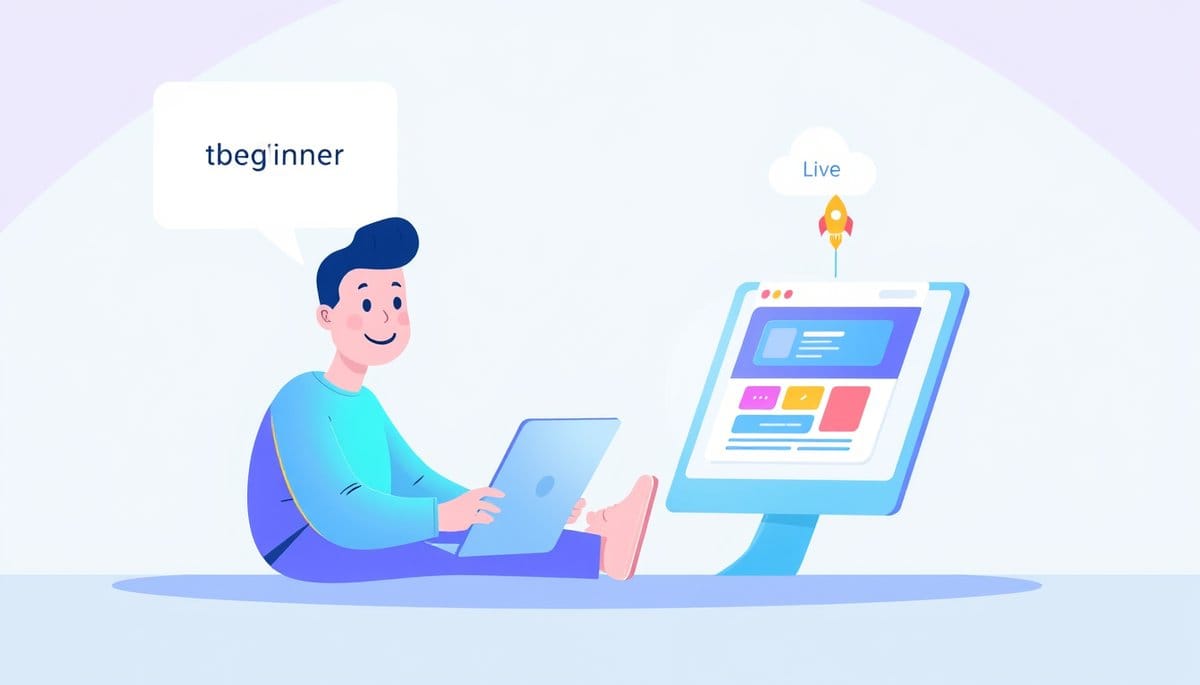
To go from prompt to deployed app using AI coding agents, you type a plain-English description of your app idea, let the AI generate the code, review and tweak it through conversation, then deploy it live using a built-in hosting button — often in under 30 minutes. Tools like Bolt.new, Lovable, or Replit Agent handle the entire technical stack for you, so zero coding knowledge is required to start.
What Is a Prompt-to-App Workflow? (Simple Analogy)
Think of an AI coding agent like an incredibly fast, tireless contractor. You describe the house you want — 'three bedrooms, open kitchen, big windows' — and they build it. You never touch a hammer. That's exactly what happens when you write a prompt and an AI agent builds your app.
A 'prompt' is just your idea written in plain English. A 'coding agent' is an AI system that reads your prompt and writes all the technical code behind the scenes. 'Deployment' simply means making your app available on the internet so anyone can use it via a web link.
Here is the full journey in one breath: idea → prompt → AI builds the app → you review it → you click deploy → your app is live. That's it. No computer science degree. No memorizing commands. The AI handles the translation from your words to working software. Your job is to be the visionary — describe clearly what you want, and let the agent do the heavy lifting. You've already got the hardest skill: knowing what problem you want to solve.
Step-by-Step: Build and Deploy Your First AI-Generated App
Let's build something real right now. Follow these steps:
1. **Choose your tool.** Go to bolt.new — it's free to start and requires no account to try. It's one of the most beginner-friendly AI coding agents available today.
2. **Write your prompt.** In the text box, type something specific. For example: 'Build a simple to-do list app where I can add tasks, check them off as done, and delete them. Make it look clean and modern.' Specific beats vague every time.
3. **Hit Generate and watch the magic.** The AI will write the code and show you a live preview of your app on the right side of the screen. This usually takes 20-60 seconds. Go ahead and gasp — it's okay!
4. **Test it.** Click around your app in the preview. Add a task. Check it off. Does something feel off? Just type a follow-up in the chat: 'Make the background white and the buttons blue.' The AI will update the code instantly.
5. **Deploy it.** Click the 'Deploy' button (Bolt shows this prominently). Within seconds, you get a real URL you can share with anyone in the world. Congratulations — you just shipped an app. 🎉
Common Beginner Mistakes (And How to Fix Them Fast)
Even with AI doing the heavy lifting, a few stumbling blocks trip up almost every newcomer. Here's how to dodge them:
**Mistake 1: Vague prompts.** Typing 'make me an app' gives the AI nothing to work with. Fix it by adding details: who uses it, what it does, and how it should look. Think of it like ordering at a restaurant — the more specific your order, the better your meal.
**Mistake 2: Trying to fix everything at once.** If your app needs five changes, don't type all five in one message. Make one change at a time and verify it worked. This keeps the AI focused and makes it easier to undo if something breaks.
**Mistake 3: Panicking when it breaks.** Apps sometimes break after an edit. Stay calm. Just type: 'That last change broke the app — please revert it and try a different approach.' AI agents understand this completely. Most tools also have an 'undo' button in the history panel.
**Mistake 4: Skipping the review step.** Always test your app before sharing the link. Click every button, fill out every form. You're the quality checker — and catching issues early means a 30-second fix instead of a head-scratcher later.
Key Takeaways
- A clear, specific prompt is the single most important skill — better input always produces better output from an AI agent.
- Tools like Bolt.new, Lovable, and Replit Agent can take you from idea to live URL in under 30 minutes with no coding knowledge required.
- Deployment is no longer a technical hurdle — modern AI tools include one-click hosting that generates a shareable link instantly.
- You can iterate your app by chatting with the AI agent just like texting a friend, making changes one step at a time.
- Breaking something is normal and recoverable — AI agents can undo changes, and this trial-and-error process is how real developers learn too.
FAQ
Q: Do I need to pay for AI coding agents to deploy a real app?
A: Most tools like Bolt.new and Replit offer generous free tiers that let you build and deploy small apps without spending anything. Paid plans unlock more usage, custom domains, and advanced features as your projects grow.
Q: How is this different from using a website builder like Wix or Squarespace?
A: Website builders give you pre-made templates you drag and drop — the functionality is fixed. AI coding agents write actual custom code, meaning you can build unique logic, databases, and features that no template could offer.
Q: What if I want to add a feature the AI doesn't understand?
A: Try rephrasing your request with more detail or break it into smaller steps — for example, instead of 'add analytics,' say 'show me a count of how many times a button has been clicked.' If a feature is truly complex, the AI will usually explain what's needed and suggest a path forward.
Conclusion
Going from a prompt to a deployed app is no longer a months-long journey reserved for professional developers — it's an afternoon project any curious beginner can complete today. AI coding agents handle the code, the setup, and the deployment, leaving you free to focus on the idea and the experience you want to create. Your single most important next step: open bolt.new right now, type one sentence describing an app you wish existed, and hit Generate — your first live app might be less than 30 minutes away.
Related Posts
- What Is Vibe-Coding? AI Apps Without Writing Code
Vibe-coding means describing what you want in plain English and letting AI agents like Emergent, Claude Code, or Cursor write the actual code for you. India's startup Emergent just entered this space, proving AI-powered app building is now a global movement. If you have zero coding experience, this - How Do Beginners Use Vibe Coding With AI?
Vibe coding is the practice of building real, working software by simply describing what you want to an AI in plain English. You don't need to memorize syntax or take a course first — you just need an idea and a willingness to experiment. It's the most beginner-friendly entry point into coding that - Cursor's $50B Valuation: What Beginners Get Right Now
Cursor being valued at $50 billion means AI coding tools are no longer a novelty — they're the new normal for building apps. For beginners, this translates to concrete improvements you can feel right now: faster autocomplete, lower error rates, and free tiers powerful enough to ship real projects. I