How Do Solo Founders Code 10x Faster in 2026?
The best AI coding workflows for solo founders in 2026 aren't about using more AI tools — they're about using fewer, better. Founders who ship fastest in 2026 write a clear spec first, assign one AI agent per job, and review output daily. That three-step loop beats any trendy tool stack.
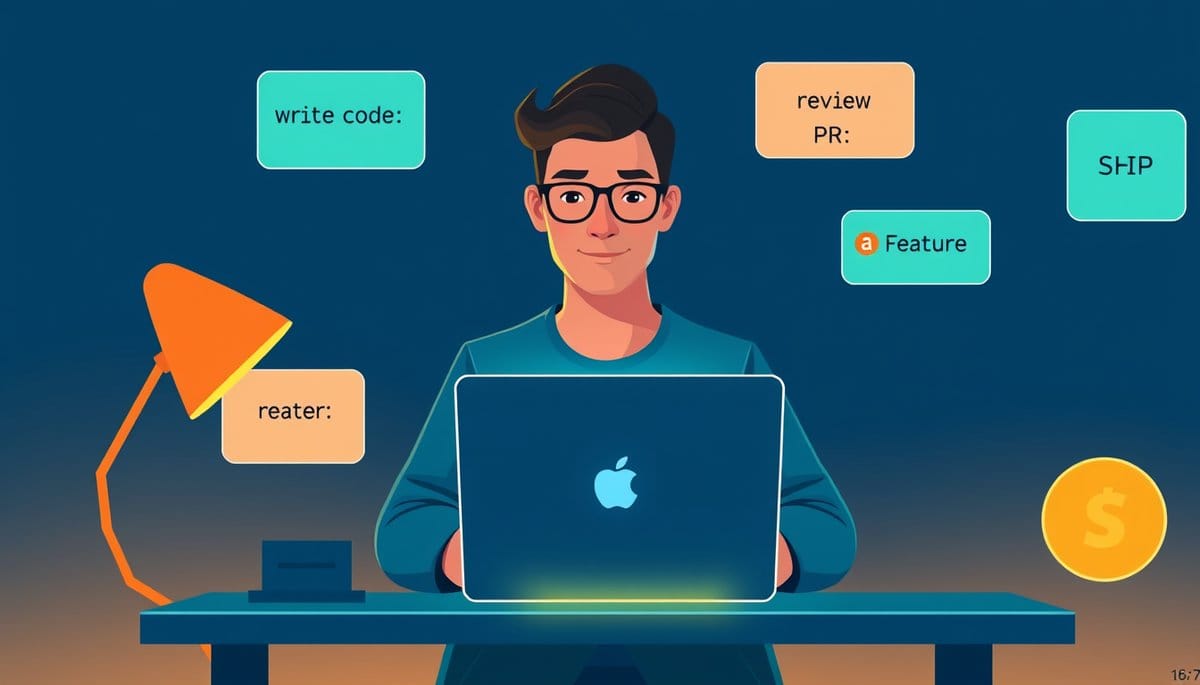
The best AI coding workflow for solo founders in 2026 is the Spec-Agent-Review loop: write a plain-English spec before touching any AI tool, assign specialized AI agents (like Cursor for coding, Claude for reasoning, and Vercel's v0 for UI) to separate jobs, then do a 15-minute daily review of what the AI actually built. Founders who follow this loop ship working products in days, not months — without writing a single line of code from scratch.
Why AI Coding Workflows Are Like Having a Brilliant Intern (Not a Magic Button)
Here's the analogy that clicks for most beginners: imagine you hired a genius intern who can code faster than any human alive — but they do exactly what you say, not what you mean. If you tell them 'build me an app,' they'll build something. It just won't be your app. That's AI coding in 2026. The founders who win aren't the ones who find the smartest AI — they're the ones who give the clearest instructions.
This matters because most solo founders skip the most important step: the spec. A spec is just a plain-English description of what you want to build. Think of it like a restaurant order. The more specific your order, the better your food arrives.
Here's what a bad prompt looks like: 'Build me a SaaS app for freelancers.'
Here's what a good spec looks like: 'Build a Next.js web app where freelancers log in with Google, submit a weekly invoice by filling out a 3-field form (client name, hours worked, hourly rate), and download the invoice as a PDF. No payment processing needed yet.'
See the difference? The second version gives an AI agent like Cursor or Claude something concrete to execute. Your first job as a solo founder in 2026 isn't to code — it's to think clearly and write that spec. That's a skill you already have.
The Spec-Agent-Review Loop: A Step-by-Step Workflow You Can Start Today
This is the workflow top solo founders use in 2026. It has three steps, and you can start the first one right now with zero coding experience.
**Step 1 — Write your spec (30 minutes)** Open a Google Doc or Notion page. Write exactly what your product does, who uses it, and what happens when a user clicks each button. Don't worry about being technical. Write it like you're explaining it to a smart 12-year-old.
**Step 2 — Assign agents to tasks (not one AI for everything)** This is the counterintuitive part most guides miss. Don't use one AI tool for your entire build. Instead, assign roles: - **v0 by Vercel** → building your UI (the visual interface users see) - **Cursor** → writing and editing your backend code (the logic behind the scenes) - **Claude 3.5** → debugging errors, explaining confusing code, and making decisions - **Supabase AI** → setting up your database (where your data lives)
Think of it like a film crew. You wouldn't ask the cinematographer to also write the script.
**Step 3 — Daily 15-minute review** Every day, read through what your AI agents built. You don't need to understand every line of code. Ask Claude: 'Here is the code Cursor wrote. Does this do what my spec says? What could go wrong?' Claude will flag issues in plain English. Fix the spec if needed, then repeat.
Founders using this loop are shipping MVPs (minimum viable products — the simplest version of your idea) in 5 to 14 days.
The Biggest Workflow Mistake Solo Founders Make (And How to Recover)
Most guides tell you to 'just start prompting.' That's the trap. Starting without a spec is like giving your genius intern a blank whiteboard and walking away. You'll come back to something impressive-looking that solves the wrong problem entirely.
**Mistake 1: Vibe-coding without a spec** You ask an AI to 'add a dashboard' without defining what the dashboard shows. The AI builds something. You don't like it. You ask it to change it. Three hours later, you have a mess of conflicting code. Recovery: stop, write a 10-sentence spec for just that feature, paste it into Cursor, and say 'rewrite this component to match this spec exactly.'
**Mistake 2: Using AI-generated code you don't understand at all** You don't need to understand every line — but you do need to understand what each file does. Ask Claude: 'Explain this file to me like I'm not a developer. What does it do and what breaks if I delete it?' Do this for your five most important files. Takes 20 minutes total.
**Mistake 3: Trusting AI output without testing** AI hallucinates (generates confident-sounding but wrong answers). In 2026, the best free tool to catch this is still your own hands. Click every button in your app after every AI build session. If something breaks, paste the error message directly into Claude and say 'fix this.' That's your entire debugging workflow.
Recovering from any of these mistakes takes less than an hour if you catch them daily. That's why the review loop is non-negotiable.
Which AI Tools Actually Win in 2026: A Quick Comparison
Here's the honest breakdown of what to use and when — no hype, just what's working for solo founders right now:
| Tool | Best For | Skill Level Needed | Monthly Cost (2026) | |---|---|---|---| | **v0 by Vercel** | Building UI from a text description | Zero | Free tier available | | **Cursor** | Writing and editing full codebases | Beginner-friendly | ~$20/mo | | **Claude 3.5 Sonnet** | Reasoning, debugging, decision-making | Zero | Free / $20 Pro | | **Bolt.new** | Full-stack prototypes from one prompt | Zero | Free tier available | | **Supabase** | Database + auth without backend code | Beginner-friendly | Free to start |
One strong opinion: Bolt.new is underrated for absolute beginners. You can describe your entire app in one paragraph and get a working prototype in under 10 minutes. It's not production-ready, but it's the fastest way to see your idea come alive — and that early win gives you the momentum to keep going.
Don't buy more than two paid tools at the start. Cursor plus Claude is all you need to ship your first product.
Key Takeaways
- Founders using the Spec-Agent-Review loop are shipping MVPs in 5–14 days — without writing code from scratch
- Use different AI tools for different jobs: v0 for UI, Cursor for code, Claude for reasoning — never one tool for everything
- Counterintuitive insight: spending 30 minutes writing a plain-English spec before touching any AI tool cuts your total build time in half
- Action you can take today: open a Google Doc, write 10 sentences describing your app's core feature, then paste it into Bolt.new and watch it build
- By late 2026, the competitive advantage won't be which AI model you use — it'll be how clearly you can write specs; that's a writing skill, not a coding skill
FAQ
Q: Do I really need to learn any coding at all to use these workflows?
A: Honestly, no — not to get started. Founders using Bolt.new and v0 are launching real products with zero prior coding experience; the spec-writing and review skills matter far more in the early stages.
Q: Does this actually work for real products, or just toy demos?
A: It works for real products with one honest caveat: AI-generated code needs a technical review before handling sensitive user data or payments. Hire a developer for a 2-hour audit ($150–$300) before you launch publicly — that's the one step worth paying for.
Q: How do I actually get started if I've never used any of these tools before?
A: Go to bolt.new right now, type a one-paragraph description of your app idea, and hit enter — you'll have a working prototype in under 10 minutes, which is the fastest possible confidence boost and the best first step.
Conclusion
The best AI coding workflow for solo founders in 2026 is embarrassingly simple: write a clear spec, assign the right AI agent to each job, and review the output for 15 minutes every day. You don't need to be technical. You need to be clear. One honest caveat: AI-generated code isn't a finished product — it's a fast draft. Treat it like one. Your specific next step: right now, open bolt.new, describe your app idea in plain English, and let it build. That first prototype — however rough — is the most important thing you'll make this week.
Related Posts
- How Do Solo Founders Code 10x Faster With AI?
In 2026, the best solo founder AI coding workflow isn't about picking one magic tool — it's a three-layer system: plan with AI, build with an agent, and ship daily. Founders who follow this rhythm are shipping full-featured apps in days, not months. You don't need to code perfectly; you need a repea - How Does Claude Code Build Apps Faster?
Claude Code isn't just a chatbot that suggests code snippets — it's an AI agent that can plan, write, and execute entire app builds on your behalf. You describe what you want in plain English, and it handles the technical heavy lifting. This guide walks beginners through the exact process, including - How Can Non-Coders Review AI Code?
You don't need to read code to control it. Reviewing AI-generated code without programming experience means checking what the code is supposed to do, testing whether it actually does that, and using AI itself to explain anything suspicious. Anyone can do this in under 30 minutes.
Also on AI Future Lab
- ❌ Verification: Li2MgH16 (dilithium magnesium hexadecahydride) — Paper vs Simulation [2026-05-01]
We tested Li2MgH16 (dilithium magnesium hexadecahydride): paper claims 473 K (200 °C), our simulation predicts 180K. Here's what the gap tells us.