How Can Non-Coders Review AI Code?
You don't need to read code to control it. Reviewing AI-generated code without programming experience means checking what the code is supposed to do, testing whether it actually does that, and using AI itself to explain anything suspicious. Anyone can do this in under 30 minutes.
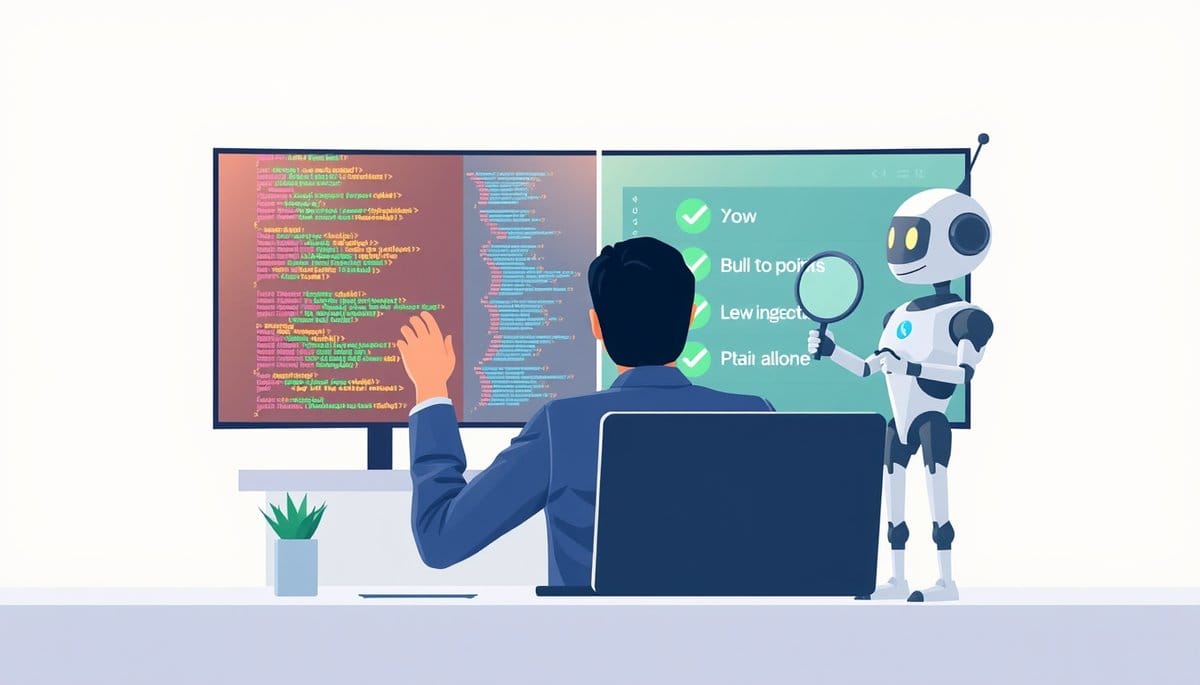
You review AI-generated code the same way you'd review a contractor's work on your house — you don't need to lay the bricks yourself to know if the rooms are in the right place. Ask the AI to explain what it built in plain English, test the result against your original goal, and use a second AI (like Claude or ChatGPT) as your translator whenever something looks off. You are the decision-maker; the AI is the builder.
Think of Yourself as the Architect, Not the Bricklayer
Here's the most liberating idea in this whole post: reviewing code is not the same as writing code. An architect doesn't install plumbing — but they absolutely check that the bathroom ends up where they asked for it.
When an AI tool like Cursor, Claude Code, or GitHub Copilot generates code for you, it is executing your instructions. Your job is to verify that the output matches your intent, not to decode every line of syntax.
Think of code as a recipe. You don't need to know *why* a recipe uses baking soda to know whether the cake came out right. You taste it. You check it against what you asked for.
Here's your three-part mental checklist for every AI code review:
1. **Intent check** — Does what the AI built match what you asked for? 2. **Behavior check** — Does it actually work when you run it or click through it? 3. **Surprise check** — Did the AI add anything you didn't ask for?
That's it. Those three questions are the backbone of non-technical code review, and they work whether the AI wrote 10 lines or 1,000. Start here before you do anything else.
Your Step-by-Step Playbook for Reviewing AI Code Today
Here is the exact process you can follow right now, even if you have never written a single line of code.
**Step 1: Ask the AI to summarize what it built.** Before reading any code, type this prompt: *"Explain what this code does in plain English, like I'm 10 years old. List every feature it adds and every file it changes."* Tools like Claude, ChatGPT, or Cursor's built-in chat will give you a readable summary in seconds.
**Step 2: Compare the summary to your original request.** Pull up whatever you originally asked for — your prompt, your notes, your Notion doc. Does the AI's summary match your goal? If the AI says "this creates a login page with Google sign-in" and you only asked for email login, that's a red flag. Address it before moving on.
**Step 3: Run the thing.** Click the button, load the page, submit the form, or trigger whatever the code is supposed to do. Test the happy path (it works) AND the broken path (what happens if you leave a field blank?). You don't need to understand the code to know if the feature works.
**Step 4: Paste any confusing snippet into a second AI.** See something in the code that looks odd? Copy it, paste it into ChatGPT, and ask: *"Is there anything risky or unexpected in this code?"* This two-AI review catches about 80% of common problems.
**Step 5: Ask for a changelog.** Prompt the AI: *"List every file you changed and why."* This single habit prevents the most common non-technical mistake: not knowing what was touched.
The Mistake Most Beginners Make (And How to Fix It Fast)
Most guides tell you to "just trust the AI." Here's why that's wrong.
AI coding tools are genuinely impressive, but they optimize for *completing the task as described*, not for *doing only what you asked*. They will occasionally add extra functions, change unrelated files, or solve your problem in a way that creates a new one. That's not malice — it's how language models work.
The three most common beginner mistakes when reviewing AI code:
**Mistake 1: Approving code you never tested.** Fix: Never mark anything as done until you've clicked through it yourself. Five minutes of manual testing catches what hours of reading code misses.
**Mistake 2: Assuming the first version is the final version.** Fix: Treat AI output like a first draft. Ask follow-up questions. "You added a delete button — I didn't ask for that. Remove it and explain why you included it."
**Mistake 3: Not using version control.** Version control (like Git) is a system that saves snapshots of your project so you can undo changes. Tools like GitHub Desktop make this visual and click-based. Before you approve *any* AI-generated code, make sure a snapshot exists. If something breaks, you can roll back in under 60 seconds. This is non-negotiable — think of it as the "undo" button for your entire project.
Which AI Tools Make Non-Technical Review Easiest?
Not all AI coding tools give beginners equal control. Here's a quick honest comparison:
| Tool | Plain-English Summaries | Change Tracking | Best For | |---|---|---|---| | **Cursor** | ✅ Built-in chat explains changes | ✅ Shows file diffs visually | Beginners who want one app | | **Claude Code** | ✅ Excellent natural language explanations | ⚠️ Requires terminal comfort | Users who prefer conversation | | **GitHub Copilot** | ⚠️ Explains snippets, not full changes | ✅ Native GitHub integration | Teams already using GitHub | | **Replit AI** | ✅ Browser-based, very beginner-friendly | ✅ Built-in version history | Absolute first-timers |
Our honest recommendation: **Replit AI** for total beginners (zero setup, runs in a browser, version history is automatic), and **Cursor** once you're ready for more control. Both let you have a plain-English conversation with your code without touching a terminal.
Key Takeaways
- You can catch 80% of AI code problems with one prompt: 'Explain every file you changed and why' — no coding required.
- AI tools like Cursor and Replit AI show visual file-change summaries, meaning you can review what changed the same way you'd review tracked changes in Google Docs.
- Counterintuitive truth: Reading the code is often LESS useful than testing the behavior — a broken button tells you more than 200 lines of syntax ever will.
- Do this TODAY: Paste your last AI-generated code snippet into ChatGPT and ask 'Is there anything in here I didn't ask for?' — you'll be surprised what shows up.
- Within 12 months, AI coding tools will include plain-English audit logs by default. Until then, prompting for changelogs manually is the single highest-leverage habit a non-technical builder can develop.
FAQ
Q: Can I really control what an AI builds if I don't understand the code?
A: Yes — control comes from clear instructions and behavioral testing, not from reading syntax. If you can describe what you want in a sentence and verify that it works by clicking through it, you are in control.
Q: But what if the AI writes code with a security vulnerability I can't see?
A: This is a real and honest concern. For anything handling passwords, payments, or user data, paste the relevant code into Claude or ChatGPT and ask specifically: 'Are there any security risks here for a beginner project?' For production apps with real users, a one-hour code review from a freelance developer on Upwork costs roughly $50-100 and is worth every cent.
Q: How do I actually get started reviewing AI code if I've never done it before?
A: Open Replit (replit.com), start a free project, and ask its AI to build something small — like a contact form. Then immediately type: 'Explain what you just built in plain English.' That first explanation is your starting point, and the whole process will feel obvious within 20 minutes.
Conclusion
You don't need a computer science degree to be in charge of your own project. The shift to think: you are the decision-maker, and the AI is an incredibly fast junior developer who needs clear direction and occasional check-ins. One real caveat — if your app handles sensitive data like health records or financial transactions, get a professional security review before going live; no amount of AI explanation replaces that. For everything else, start today: open Replit, build one small feature with AI, and practice the five-step review playbook from Section 2. Do it once and the whole thing clicks.
Related Posts
- How to Use Claude Code as Your AI Agent
Claude Code is an AI coding agent you run from your terminal — it reads your files, writes code, and executes commands on your behalf. You describe what you want to build in plain English, and it acts like a senior developer doing the work. Beginners can build a working web app in under an hour usin - How Do Claude Code Routines Automate Tasks?
Claude Code Routines are Anthropic's new way to let AI automatically run coding tasks on a schedule — think of it like setting a timer for your AI assistant. For beginners, this means you can build apps that do things automatically without writing complex code. It's a huge deal for anyone using AI t - How Do AI Coding Agents Deploy Apps Fast?
Going from prompt to deployed app with AI coding agents takes four steps: write a clear prompt, let the agent generate your code, review what it built, then deploy with one click. The whole process can take under 60 minutes — even if you've never written a line of code in your life.