Why Does Your API Return a 429 Too Many Requests?
When you exceed an API rate limit, the server stops processing your requests and returns a 429 Too Many Requests error. Your app stalls, users see failures, and you may lose queued data entirely. The fix is predictable — if you know what to listen for.
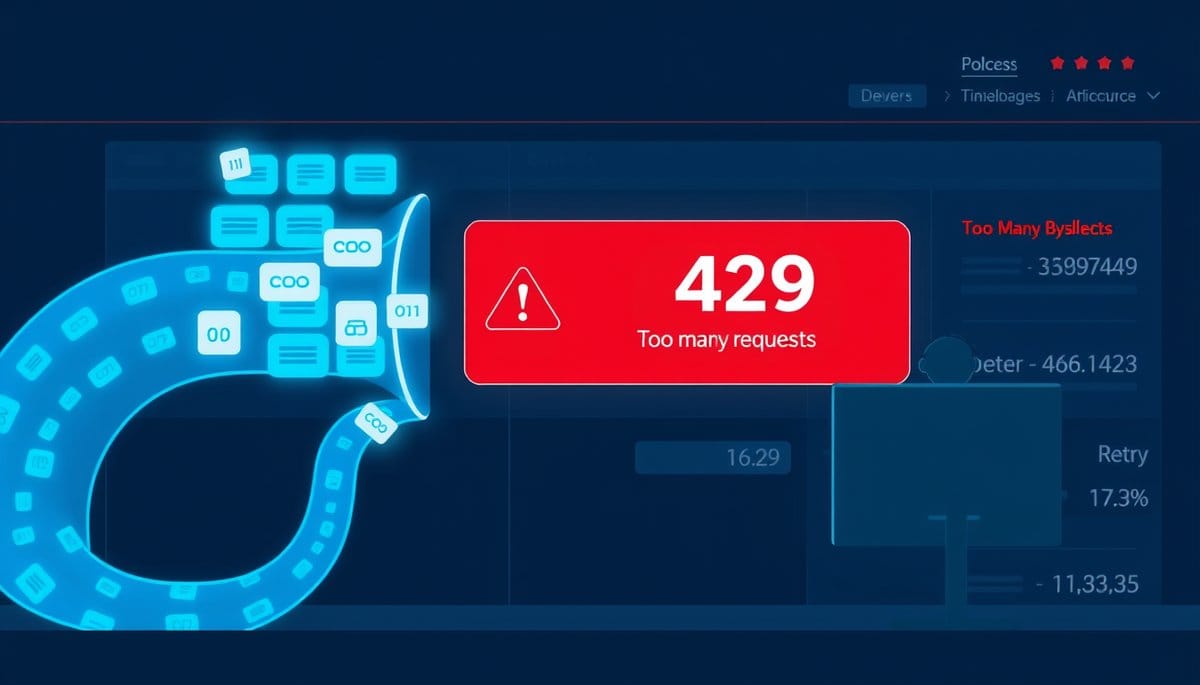
When you exceed your API rate limit, the server immediately rejects further requests with a 429 Too Many Requests HTTP error — your calls don't queue, they fail. Depending on the API provider, you're blocked for seconds, minutes, or until the next billing cycle resets your quota. The impact ranges from a brief hiccup to a complete service outage if your code doesn't handle it.
A 429 Error Means the API Has Cut You Off — Here's What That Looks Like
Think of an API rate limit like a nightclub bouncer with a clicker. The venue allows 60 people per minute. The moment you send person 61, the bouncer turns them away — no waiting inside, just a flat rejection. That's exactly what happens with API rate limits.
When you cross the threshold, the API server returns an HTTP 429 Too Many Requests status code. Your request is not queued, not delayed — it's dropped. The response usually includes a Retry-After header telling you how long to wait before trying again.
Here's what a raw 429 response looks like from the OpenAI API:
``` HTTP/1.1 429 Too Many Requests Retry-After: 20 Content-Type: application/json
{ "error": { "message": "Rate limit reached for gpt-4 in organization org-xxx. Limit: 10000 TPM.", "type": "tokens", "code": "rate_limit_exceeded" } } ```
Two things break simultaneously: the current request fails, and if your code doesn't retry intelligently, every downstream action dependent on that response also fails. In a user-facing app, that means a spinner that never stops — or worse, silent data loss.
How to Recover From a 429 Error: Exponential Backoff in Practice
The standard recovery strategy is exponential backoff — wait, retry, wait longer if it fails again. Most guides tell you to implement this. What they skip: you must read the Retry-After header first, not guess a wait time.
Here's a clean Python implementation using the requests library:
```python import requests import time
def call_api_with_backoff(url, headers, payload, max_retries=5): for attempt in range(max_retries): response = requests.post(url, headers=headers, json=payload) if response.status_code == 200: return response.json() if response.status_code == 429: retry_after = int(response.headers.get("Retry-After", 2 ** attempt)) print(f"Rate limited. Retrying in {retry_after}s (attempt {attempt + 1})") time.sleep(retry_after) else: response.raise_for_status() raise Exception("Max retries exceeded") ```
This does three things right: 1. It reads Retry-After directly from the response header. 2. It falls back to exponential delay (2, 4, 8, 16, 32 seconds) if the header is missing. 3. It raises a real exception after 5 failed attempts — so failures are visible, not silent.
For production systems handling high volume, add jitter: `retry_after + random.uniform(0, 1)`. This prevents a thundering herd problem where every client retries at the exact same second.
The Counterintuitive Truth: Rate Limits Are Often Your Own Code's Fault
Most developers blame the API provider when they hit rate limits. The real cause is almost always unthrottled parallel requests on the client side.
Here's the scenario: you have a list of 500 user records to enrich via an API. A beginner writes a simple loop and fires all 500 requests in under 2 seconds. The API allows 100 requests per minute. You hit the limit at request 101 — and the remaining 399 fail silently if there's no retry logic.
The fix isn't paying for a higher tier. It's rate-limiting yourself before the server does it for you. Use a token bucket pattern or a library like `ratelimit` in Python:
```python from ratelimit import limits, sleep_and_retry
@sleep_and_retry @limits(calls=90, period=60) # Stay under 100 RPM with a safety buffer def fetch_data(record_id): # your API call here pass ```
Setting your self-imposed limit to 90% of the published limit (90 RPM instead of 100) is a small buffer that prevents edge-case overages caused by clock drift or brief burst spikes.
One more thing: different endpoints on the same API often have different limits. OpenAI's `/v1/chat/completions` with GPT-4 has a stricter tokens-per-minute (TPM) limit than GPT-3.5-turbo. Always check per-endpoint documentation, not just the top-level plan limits.
Hard Limits vs. Soft Limits: What Happens to Your Bill
Not all rate limits work the same way. Understanding the two types prevents expensive surprises.
| Type | What happens when exceeded | Can you pay through it? | |---|---|---| | Hard rate limit | Request rejected with 429 | No — must wait for reset | | Soft quota limit | Request may succeed but triggers overage billing | Yes — you're charged extra | | Daily/monthly cap | All requests blocked until reset or upgrade | Only by upgrading plan |
APIs like Stripe and Twilio use hard per-second rate limits (429s) but soft monthly volume caps where overages are billed. APIs like Google Maps charge per request above the free tier — hit 1,001 geocoding calls on the free plan and request 1,001 gets billed, not blocked.
Check your provider's docs for the phrase 'overage charges' — if it appears, assume soft limits exist and set billing alerts before you scale any automated workload.
Key Takeaways
- A 429 response drops your request immediately — it is never queued, meaning data loss is possible without explicit retry logic.
- Always read the Retry-After response header before calculating wait time — guessing a fixed delay is less reliable and can still cause repeat 429s.
- Self-throttling to 90% of your plan's published limit costs nothing and prevents the majority of rate limit errors before they happen.
- Add a ratelimit decorator or token bucket to any script that loops over API calls today — this single change eliminates most production 429 incidents.
- As AI APIs like OpenAI move toward token-per-minute (TPM) limits instead of just requests-per-minute (RPM), monitoring token usage will matter more than request count within 12 months.
FAQ
Q: Does hitting a rate limit permanently ban my API key?
A: No — standard rate limit 429 errors are temporary and reset automatically, usually within seconds to minutes. A permanent ban only happens if you violate terms of service, such as scraping prohibited content or credential sharing.
Q: Will exponential backoff actually work at scale, or does it just delay failures?
A: Backoff works well for transient spikes but won't save you if your baseline throughput consistently exceeds your plan limit — that requires either upgrading your tier or redesigning request batching. Use backoff as a safety net, not a throughput strategy.
Q: How do I know which rate limit I'm hitting — requests, tokens, or daily quota?
A: Read the error message body closely: most APIs (OpenAI, Anthropic, Google) specify the limit type in the JSON error response. The first concrete step is logging the full 429 response body, not just the status code.
Conclusion
A 429 error is one of the most fixable problems in API development — implement exponential backoff with Retry-After header support and self-throttle to 90% of your plan limit, and you will eliminate the vast majority of failures. If you're still hitting limits after that, the real solution is batching requests and upgrading your plan, not tweaking retry delays. Check whether your provider uses hard or soft limits before scaling any automated workflow — the billing implications are very different.
Related Posts
- What Causes API Rate Limit Errors & How to Fix Them?
When you exceed your API rate limits, the server stops processing your requests and returns a 429 'Too Many Requests' error. Your app may break or degrade until the limit resets. Knowing how to detect and handle this gracefully is essential for any production integration. - What Limits Come With Free API Key Tiers?
Free API key tiers give you limited requests per month, slower rate limits, and no uptime guarantees. Paid tiers unlock higher quotas, priority access, and production-ready SLAs. Choosing the right tier depends on your request volume and reliability needs. - How Do API Keys Work and Why Do You Need One?
An API key is a unique string of characters that acts as a password between your application and an external service. When you make a request, the server checks your key, identifies who you are, and decides what you're allowed to do. Without a valid key, the request is rejected.