How Does QR Code Phishing Bypass Email Security?
Phishing links get scanned, sandboxed and blocked. A QR code is just a picture, so it sails through. Then you scan it with your personal phone, the one device your company's security never touches, and the attack lands on the softest target in the building.
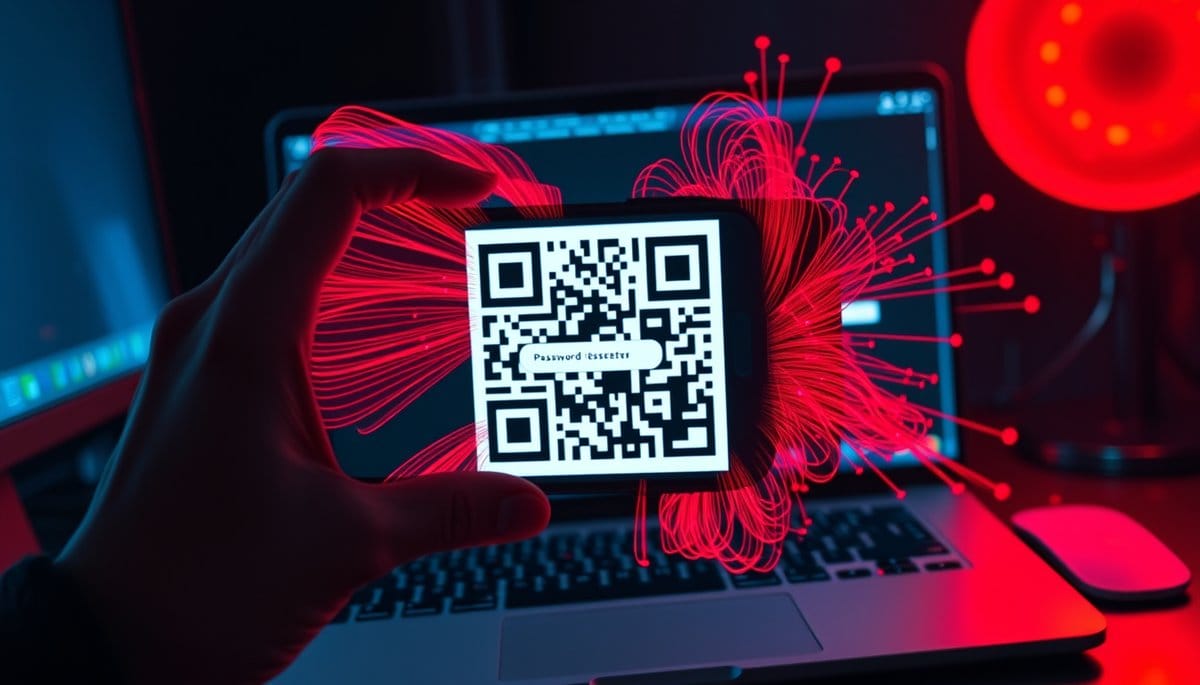
QR code phishing, or quishing, works because a QR code is an image, and most email security tools read text, not pictures. The attacker hides the malicious URL inside the pixels, your filter waves it through, and you finish the attack yourself by scanning it with a personal phone that has no corporate protection on it. ESET found malicious QR codes in 11 percent of all phishing email in the first half of 2026.
The Fake MFA Reset That Emptied a Payroll Account
A finance manager at a mid-sized logistics firm gets an email on a Tuesday morning. Subject: "Action required: your Microsoft Authenticator enrollment expires in 24 hours." Company logo, correct internal font, a line about the new security policy the IT team actually announced two weeks earlier. In the middle of the message, a QR code, with one instruction: scan with your mobile device to re-enroll.
She scans it. Her phone opens a Microsoft 365 sign-in page that looks correct because it is a pixel-perfect proxy of the real one. She enters her password. She approves the push notification that arrives seconds later, because she just asked for it. The attacker's server relays every credential and the session cookie in real time, so the MFA prompt she approved authenticates their browser, not her phone.
By Thursday, a vendor payment of just under 200,000 dollars had been redirected to a new bank account, approved through her mailbox, with the confirmation emails auto-filed into a rule-created folder she never saw.
That scenario is a composite, but every step of it is documented in real incident reports from 2024 onward. Nothing in it required malware. No attachment was opened. The only executable involved was her phone's camera app.
Why Your Spam Filter Is Blind to a Picture
Traditional email security follows a simple logic: find the links, check them against reputation databases, detonate suspicious ones in a sandbox, block what looks bad. Quishing defeats every stage of that pipeline by moving the URL out of the text layer and into a bitmap.
The chain, step by step:
1. The attacker generates a QR code pointing to a phishing domain or, more often, an open redirect on a legitimate service that bounces to it. 2. The code goes in the email body as a PNG, or nested inside a PDF, DOCX or SVG attachment to add another layer of obfuscation. 3. The gateway sees an image. No URL string to reputation-check. Delivered. 4. You scan the code with a phone that has no corporate DNS filtering, no endpoint agent, no managed browser. 5. The phishing page loads on a 6-inch screen where the address bar shows maybe 25 characters of a 90-character URL.
| Defense layer | Stops link phishing | Stops QR phishing |
|---|---|---|
| URL reputation filter | Yes | No, there is no URL to read |
| Attachment sandbox | Often | Rarely, the image is inert |
| Corporate DNS blocking | Yes | No, phone is on cellular |
| Endpoint protection | Yes | No, BYOD phone is unmanaged |
| Phishing-resistant MFA (passkeys) | Yes | Yes |
Vendors have started fixing the first row. ESET's email scanner now decodes QR codes across most file types and runs the extracted URL through anti-phishing checks, flagging them as QRCode/Phishing. Adoption is uneven. Assume yours doesn't.
The Trust Reflex Nobody Trained You Out Of
Most security awareness training is still teaching people to hover over links and inspect the domain. If you are doing that in 2026, you are drilling for a war that already ended. You cannot hover over a QR code. There is nothing to inspect until after you have committed.
Three years of restaurant menus, parking meters, event tickets and payment terminals rewired the reflex. Scanning became a neutral act, like pressing an elevator button. Clicking a strange link still feels like a decision. Scanning doesn't feel like anything at all.
Then there is the screen problem. Something you only notice after testing it yourself: iOS shows the scanned destination as a small notification banner, and it truncates long URLs in the middle. An attacker registers `login-verify.cc` and builds the subdomain `microsoft.com.security-update.login-verify.cc`. The banner shows you the beginning. Your eye lands on `microsoft.com` and stops. Mobile Safari's address bar does the same thing once the page loads, hiding everything after the first fragment.
Add context. Quishing emails cluster around events you already expect: MFA re-enrollment, HR document signatures, payroll updates, DocuSign requests, package redelivery. The email doesn't have to convince you of something new. It has to arrive on the day you were half-expecting it.
Five Things to Do Before Friday
**1. Adopt a hard rule: no scanning QR codes that arrive by email.** Not "be careful." Never. A legitimate company asking you to authenticate has your email address already, so it can send a link. QR codes in email exist to move you onto an unmonitored device. That is the whole point.
**2. Turn on passkeys or a hardware key wherever they are offered.** This is the only defense on the list that works even if you scan, even if you type your password. Passkeys and FIDO2 keys are bound to the real domain, so a proxy phishing page gets nothing usable. Microsoft, Google, Apple and most banks support them now.
**3. Re-authenticate through a route you chose.** Got an MFA reset request? Open the app or type the domain by hand. Never travel to a login screen through something someone else sent you.
**4. Stop trusting "safe scanner" apps.** Most third-party QR scanners with security branding check a reputation list that lags fresh phishing domains by hours or days. Attack infrastructure often lives less than 24 hours. The app tells you green while the site is stealing your session.
**5. If you run IT, verify your gateway decodes QR images.** Send yourself a test QR pointing to a known-blocked domain. If it lands in your inbox, that layer doesn't exist for you.
How often people actually scan these things is genuinely hard to measure, because the scan happens on a device nobody logs. Assume the rate is higher than you'd like.
Key Takeaways
FAQ
Q: Is it dangerous to just scan a QR code, or only if I enter information?
A: Scanning alone rarely infects a modern phone, since the code only opens a URL. The danger is what you do on the page that loads, and attackers use real-time proxies that steal both your password and your MFA session cookie the moment you sign in.
Q: My company uses Microsoft Defender for Office 365. Doesn't that already block this?
A: Defender has added QR image analysis, and it does catch a meaningful share, but attackers respond by nesting codes inside PDF and SVG attachments and pointing them at open redirects on trusted domains. Treat gateway filtering as one layer that reduces volume, not as a reason to skip passkeys.
Q: How do I set up a passkey if I've never used one?
A: Start with the account that would hurt most if lost, usually your primary email. In Google, open Account settings, Security, then Passkeys and security keys, and register your phone's face or fingerprint unlock, which takes about 90 seconds and immediately makes proxy phishing pages useless against that account.
Conclusion
Quishing isn't clever. It's the cheapest possible workaround to a decade of email security investment, and it costs an attacker nothing to try. Tonight, spend ten minutes turning on passkeys for your email and your bank, then tell whoever handles payroll at your company the one rule that matters: no QR code that arrives in an email ever gets scanned, no exceptions, no matter whose logo is on it.
💡 Lucas's Insight
Related Posts
- How Do AI-Generated Phishing Emails Bypass Corporate Filters?
In 2026, AI-crafted phishing emails started sailing past enterprise security filters that had caught similar attacks for years. The emails were grammatically perfect, contextually aware, and personalized down to the recipient's recent Slack messages. Corporate IT teams were not ready for this. - How Does AI Help Cybersecurity Teams — And How Do Attackers Abuse the Same Tools?
The same AI tools that help security teams detect threats in milliseconds are being weaponized to clone voices, generate perfect phishing emails, and impersonate executives on live video calls. This isn't a future risk — it already cost one company $25 million in a single afternoon. Here's exactly w - How Do AI Phishing Emails Bypass Spam Filters?
AI-generated phishing emails have no typos, no weird grammar, and no broken English for your spam filter to catch. The defenses that still work aren't AI text detectors. They're behavioral email security platforms and phishing-resistant login hardware, and both are available to you today.