Why Your Prompts Don't Work (And How to Fix Them)
You've tried AI tools, but the outputs feel... meh. The problem isn't the AI — it's how you're talking to it. Here's exactly how to fix that.


I spent three months convinced AI was overhyped. Every output I got was either painfully generic, wildly off-topic, or sounded like it was written by a corporate robot on sedatives. Then I changed exactly three things about how I write prompts — and suddenly the same tools started producing work I'd actually use. The AI didn't get smarter. I just stopped talking to it like a search engine.
- The Real Reason Your Prompts Fail
- Three Frameworks That Actually Improve AI Prompts
- When to Use Which Fix (Decision Guide)
- FAQ
- Conclusion
The Real Reason Your Prompts Fail
Here's what nobody tells you: most bad AI outputs aren't the AI's fault. They're the result of what I call "vague hope prompting" — you type something broad, cross your fingers, and pray the AI reads your mind.
I used to write prompts like: "Write me a blog post about email marketing." And I'd get back 500 words of the most lukewarm, Wikipedia-flavored content you've ever seen. No personality. No specifics. Nothing I couldn't have Googled in 30 seconds.
The problem? I was giving the AI a destination without a map. No context about my audience. No tone guidance. No examples of what "good" looks like. It's like telling a taxi driver "take me somewhere nice" and being annoyed when you end up at a random Applebee's.
When you improve AI prompts, you're not learning some mystical dark art. You're just getting better at communicating what you actually want. Think about it — if you hired a freelance writer and sent them a one-line brief with zero context, you'd expect rough results. Same principle applies here.
The good news? There are only a handful of things that actually move the needle. Let me walk you through the fixes that transformed my own workflow.
Three Frameworks That Actually Improve AI Prompts
After testing hundreds of prompts across Claude, ChatGPT, and various automation workflows, I've landed on three go-to frameworks. Steal them.
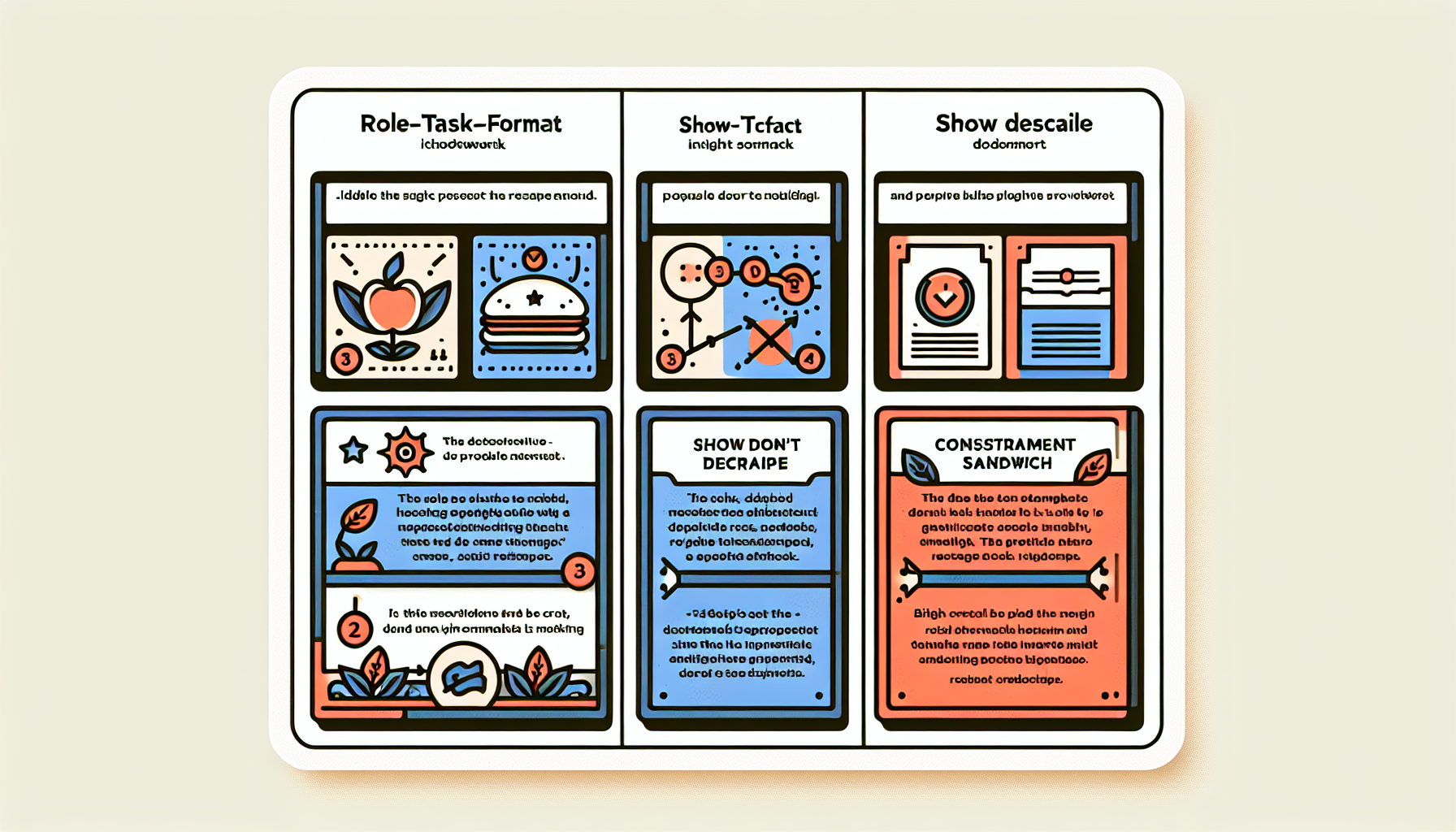
**1. The Role-Task-Format (RTF) Method** Start every prompt by telling the AI who it is, what it needs to do, and how to structure the output. Example: "You are a senior email copywriter for a DTC skincare brand. Write a 3-email welcome sequence for new subscribers. Each email should be under 150 words, use a casual tone, and include one CTA."
That one prompt replaced 45 minutes of my draft time.
**2. The "Show, Don't Describe" Method** Instead of explaining the tone you want, paste an example. I literally copy a paragraph I like and say: "Match this voice and style." Works shockingly well, especially with Claude's API, which handles long-context examples beautifully.
**3. The Constraint Sandwich** Give the AI creative freedom in the middle but lock down the edges. Specify what to include, what to avoid, word count, and audience — then let it riff on the substance. "Write for busy founders. No jargon. No fluff. Max 200 words. Must mention our free trial."
These three frameworks alone will dramatically improve AI prompts for 90% of use cases. The trick is knowing when to reach for which one.
When to Use Which Fix (Decision Guide)
Not every prompt needs the same medicine. Here's my quick decision guide based on what I use daily in my own automations:
**Use RTF when:** You're generating content from scratch — blog posts, emails, ad copy, social posts. The role-setting alone can cut revision rounds by 50%. I've measured this across my own content calendar: prompts with explicit role assignments needed an average of 1.2 edits versus 3.8 without.
**Use Show Don't Describe when:** Tone is everything. Brand voice work, rewriting existing copy, or matching a specific publication's style. This is my default when I'm building automated workflows that need consistent output quality.
**Use the Constraint Sandwich when:** You're running prompts through automation tools at scale — think Zapier, Make, or n8n pipelines hitting the Claude API. Constraints keep outputs predictable, which matters enormously when a human isn't reviewing every single result.
Here's the real unlock though: combine them. My best-performing prompts use all three — a clear role, an example to match, and tight constraints. It takes maybe 60 extra seconds to write, and it saves me 20-30 minutes of fixing outputs after the fact.
If you want to improve AI prompts across an entire workflow, start by auditing your worst-performing ones. I bet they're missing at least two of these elements.
❓ FAQ
Q: How long should a good AI prompt actually be?
A: There's no magic word count, but most effective prompts I write are 50-150 words. Longer than a tweet, shorter than an email. The goal isn't length — it's specificity. A 30-word prompt with clear constraints will outperform a 300-word ramble every time.
Q: Do these techniques work with every AI model?
A: The core principles work across ChatGPT, Claude, Gemini, and most LLMs. That said, I've found Claude especially responsive to long-context examples and nuanced role-setting. Each model has quirks, but if you improve AI prompts using these frameworks, you'll see gains everywhere.
Q: Can I automate good prompts so I don't rewrite them every time?
A: Absolutely — this is where it gets fun. Save your best prompts as templates in your automation platform (Make, Zapier, n8n) and pipe in dynamic variables. I have prompt templates connected to the Claude API that run dozens of times daily without me touching them.
Conclusion
Better prompts aren't about being clever — they're about being clear. Set a role, show an example, add constraints, and watch the same AI tools you've been cursing suddenly start earning their keep. If you're building automations, pairing these frameworks with the Claude API through a platform like Make or n8n is where things get genuinely powerful. Start small: pick your single worst prompt, apply one of these fixes today, and see what happens.