How to Build an App With AI in 24 Hours?
Going from idea to working app in one day with AI is absolutely possible for beginners — no coding experience required. The secret is treating AI like a skilled builder who needs clear instructions, not magic words. Follow a simple four-phase process and you can have something real and shareable by
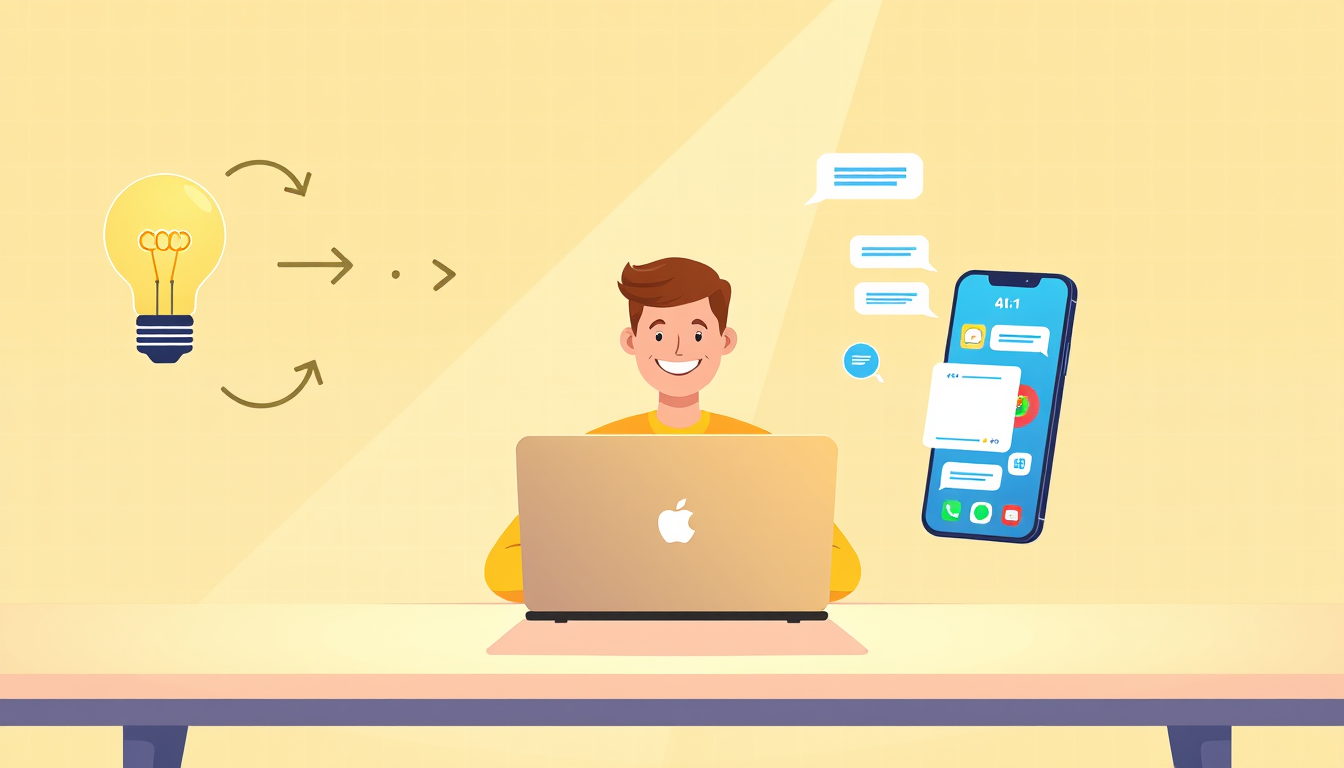
You can go from idea to working app in one day using AI by following four phases: clarify your idea, describe it to an AI coding tool in plain language, build it in small steps by asking follow-up prompts, and then test what you get. No coding experience is needed — AI writes the code, and your job is to give it clear direction and keep refining until it works.
Think of AI as Your Personal Builder Who Needs a Blueprint
Imagine you want to build a treehouse but you're not a carpenter. You could hire a skilled builder — but they still need YOU to tell them how many rooms, what size, and where the ladder goes. AI is exactly that builder. It knows how to write code, but it needs you to describe what you want clearly.
Here's the key insight beginners miss: AI doesn't need technical language. It needs specific language. Instead of saying 'make me an app,' say 'I want a simple web page where someone can type their name, click a button, and see a personalized welcome message.'
That specificity is your blueprint. The more concrete details you give, the better your builder performs.
Try this right now: Open a notes app and write one sentence describing your app idea as if you're explaining it to a friend who has never used a computer. If your friend would understand it, your AI will too. That one sentence is the foundation of your entire build day.
The Four-Phase One-Day Build Process You Can Follow Right Now
Here is the exact process you can start this afternoon:
1. **Phase 1 — Clarify (30 min):** Write down what your app does, who uses it, and what the one main action is. Example: 'A to-do list where users can add tasks and check them off.'
2. **Phase 2 — First Build (1-2 hours):** Open a free AI coding tool like Claude, ChatGPT, or Cursor. Paste this exact prompt structure: 'Build me a simple [describe your app]. It should let users [main action]. Keep it basic and working.' Copy the code it gives you into a free sandbox tool like CodePen or Replit — these are websites where code runs instantly, no setup needed.
3. **Phase 3 — Iterate (2-3 hours):** Look at what appeared and ask follow-up prompts to improve it. Example: 'Now add a button that clears all tasks.' Small asks, one at a time.
4. **Phase 4 — Share (30 min):** Replit and CodePen let you share a live link instantly. You now have a working app — congratulations, seriously!
By following this loop, most beginners have something shareable within four to six hours.
Common Mistakes Beginners Make (And How to Bounce Back Fast)
Every beginner hits these walls. Knowing about them in advance makes them speed bumps instead of roadblocks.
**Mistake 1 — Asking for too much at once.** Prompting AI with 'build me a full social media platform' will produce messy, broken code. Fix it by starting tiny. Get one feature working perfectly, then add the next.
**Mistake 2 — Giving up when something looks broken.** Broken-looking output is totally normal. Simply tell the AI: 'This isn't working — the button does nothing when I click it. Please fix it.' AI is very good at fixing its own mistakes when you describe the problem clearly.
**Mistake 3 — Not saving your progress.** After each version that works, copy your code into a separate document. Think of it like hitting save in a video game. If a new prompt breaks things, you can paste your last good version back in.
**Mistake 4 — Comparing your day-one app to professional products.** Your first app doesn't need to be beautiful. It needs to work. A working ugly app beats a beautiful idea that exists only in your head — every single time. Celebrate the working part!
Key Takeaways
- AI writes the code — your only job is to describe what you want clearly and specifically.
- Free tools like Replit and CodePen let you see your app running in a browser within minutes, with zero setup.
- Always build one small feature at a time — tiny prompts produce cleaner, more reliable results than giant ones.
- When something breaks, describing the problem to AI in plain English is usually all it takes to fix it.
- A simple working app you finish today is infinitely more valuable than a perfect app you never start.
FAQ
Q: Do I need to understand the code AI writes for me?
A: Not on day one — you can use and share an app without understanding every line of code behind it, just like you drive a car without knowing engine mechanics. Over time, curiosity will naturally grow and you can start asking AI to explain specific parts.
Q: What type of app is realistic to build in one day as a beginner?
A: Simple single-purpose tools work brilliantly — think a tip calculator, a random quote generator, a habit tracker, or a personal bio page. Anything with one clear main action is a perfect one-day project.
Q: What if the AI completely misunderstands my idea and builds the wrong thing?
A: This happens and it's completely fine — just reply with 'That's not quite what I meant, let me clarify' and restate your idea with one extra specific detail. AI handles corrections gracefully, and a second or third prompt almost always lands much closer to your vision.
Conclusion
Going from idea to working app in a single day is not a fantasy reserved for experienced developers — it is a very real outcome available to you today, using free AI tools and plain everyday language. The four-phase process of clarify, build, iterate, and share is your roadmap, and every stumble along the way is just part of how this works for everyone. Your single most important next step: open Replit right now, type your one-sentence app idea into Claude or ChatGPT, paste the code into Replit, and hit run — your first working app is closer than you think.
Related Posts
- How Do You Use Claude Code to Build Your First App?
You can build a real app with Claude Code even if you've never written a line of code. Just install it, describe your idea in plain English, and let Claude write, fix, and run the code for you. This guide walks you through every step. - How Do You Turn a Business Idea Into an App Without Coding?
You don't need to learn programming to build an app from your business idea. Using AI-powered tools like Cursor, Bolt, and Replit, you can describe what you want in plain English and watch your app come to life. This guide walks you through every step from napkin sketch to working prototype. - What Is Answer Engine Optimization (AEO)? 2026 Guide
Answer Engine Optimization (AEO) is the practice of structuring content so AI-powered search engines select it as the authoritative answer. This 2026 guide covers the full AEO framework: from schema markup and entity optimization to content architecture that wins AI citations.
Also on AI Future Lab
- Quantum Computing Creates Impossible Molecules and Gene Therapy Breakthrough
Quantum computers build impossible molecules, nanoparticles enable targeted gene therapy, and scientists solve sleeping sickness mystery