How Does AI Vibe Coding Work for Nonprogrammers?
Vibe coding is the beginner-friendly approach of describing what you want to an AI tool like ChatGPT or Claude, and watching it write the code for you. Forbes and Business Insider are calling it a revolution because anyone — coaches, creators, side-hustlers — can now build a working app in a single
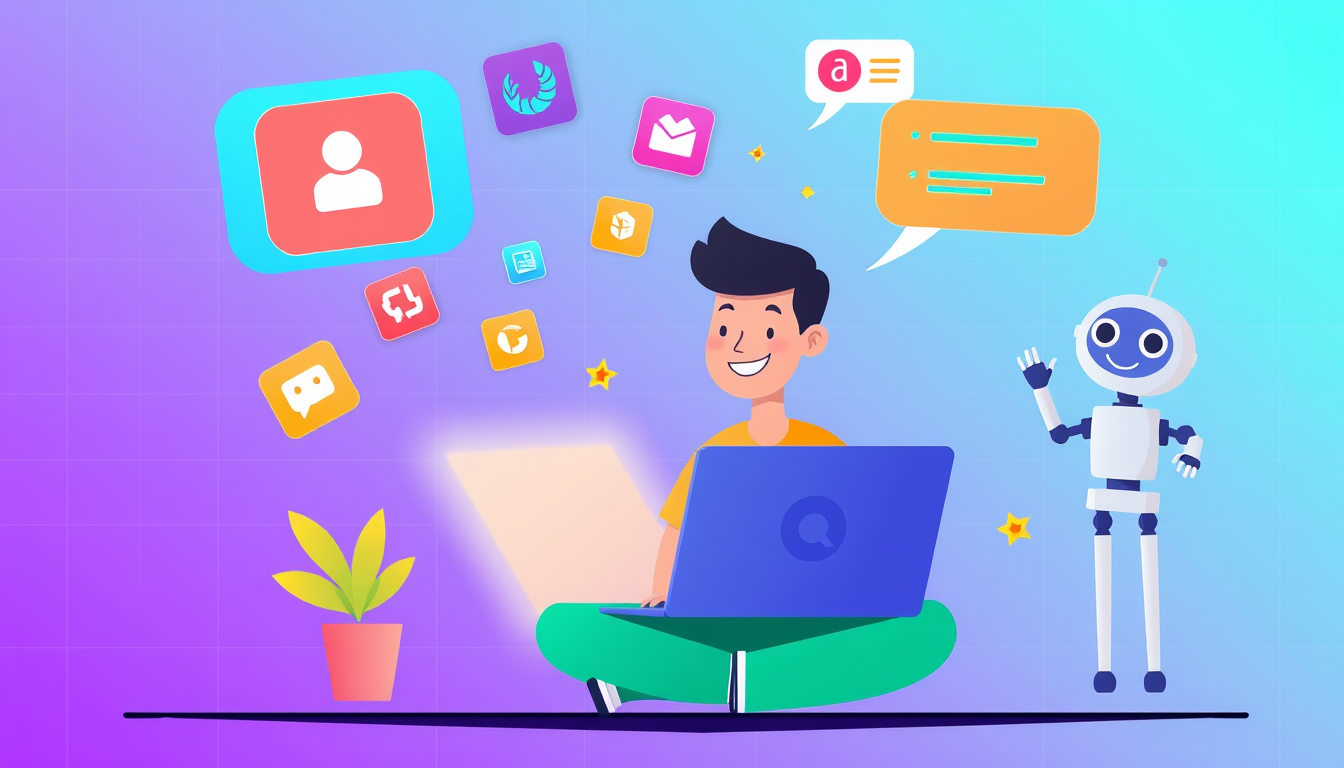
Vibe coding means using AI chat tools to build real, working apps just by describing what you want in plain English — no prior coding experience required. The Forbes article about coaches building apps in a day is proof that AI has lowered the barrier so much that absolute beginners can ship something real within hours. Think of it as having a brilliant developer friend who writes all the code while you focus purely on your idea.
What Is Vibe Coding? A Simple Analogy for Complete Beginners
Imagine you want a custom birthday cake. You don't need to become a pastry chef — you just describe what you want to a talented baker, and they make it happen. Vibe coding works exactly the same way. You describe your app idea in plain conversational English to an AI tool (like ChatGPT, Claude, or Cursor), and the AI writes the actual code for you. The term 'vibe coding' was coined because you're coding by vibes — your intentions, your creativity, your vision — rather than by memorizing syntax rules. As Business Insider recently reported, a creator built a fully working postcard app called 'Postcard Press' using this exact method, in a fraction of the time it would have taken a traditional developer. Forbes now reports that coaches are building their first apps in a single day. This is genuinely new. Before AI, building an app required months of learning. Now? Your creative idea is the skill. Here's your first concrete step: Open ChatGPT (chat.openai.com — free to use) and type: 'I want to build a simple app that does [your idea]. What should I build first?' Just doing that counts as your first vibe coding moment. Celebrate it!
Step-by-Step: How to Build Your First Tiny App Today Using AI
You don't need to build something huge. A 'tiny app' — like a to-do list, a quote generator, or a simple booking form — is a perfect first win. Here's exactly how to do it right now: 1. Pick ONE simple idea. Example: 'A page where clients can book a free call with me.' Don't overthink it — simple is perfect. 2. Open a free AI coding tool. Try Cursor (cursor.sh) — it's a code editor with AI built in — or just use Claude (claude.ai) in your browser. 3. Type your request clearly. Example prompt: 'Build me a simple HTML webpage with a booking form that collects name, email, and preferred time. Make it look clean and professional.' 4. Copy the code the AI gives you. It will look like a wall of text with symbols — that's totally normal. Don't panic. 5. Paste it into a free tool like CodePen (codepen.io) to instantly see it working in your browser. 6. Ask the AI to change things: 'Make the button blue' or 'Add my business name at the top.' This back-and-forth conversation IS vibe coding. You just built something real. That's genuinely worth celebrating — seriously!
Common Beginner Mistakes in Vibe Coding (And How to Bounce Back Fast)
Every beginner hits bumps. Here are the most common ones and exactly how to recover: Mistake 1 — Vague prompts. Saying 'build me an app' gives the AI too little direction. Fix it by being specific: describe who uses it, what problem it solves, and what it should look like. Mistake 2 — Trying to understand every line of code immediately. You don't need to. Just like you don't understand every ingredient in your meal kit, you can use the result without knowing every detail. Focus on outcomes first, learning second. Mistake 3 — Giving up when something breaks. AI tools like Claude Code and OpenAI Codex (mentioned in recent Axios reporting) can occasionally produce code with small errors. The fix is beautifully simple: copy the error message and paste it back into the AI chat with the words 'I got this error — please fix it.' The AI will correct itself almost every time. Mistake 4 — Thinking you need to learn 'real coding' first. You don't — not to get started. Vibe coding IS real. Forbes is covering it. Business Insider is covering it. The only thing that separates people who build things from people who wish they had is starting. Your recover-from-anything move: type 'start over and simplify' into your AI tool. It always works.
Key Takeaways
- Vibe coding means describing your app idea in plain English and letting AI write all the code — no prior experience needed.
- Forbes reports coaches are building functional apps in a single day using this exact AI-assisted approach.
- Your creative vision is now the most valuable skill — AI handles the technical heavy lifting.
- Free tools like ChatGPT, Claude, Cursor, and CodePen mean your startup cost to try this is literally zero dollars.
- When something breaks, pasting the error back into the AI chat is all the 'debugging skill' you need as a beginner.
FAQ
Q: Do I need to learn any coding language before trying vibe coding?
A: No — that's the whole point of vibe coding. You start with your idea and natural language, and the AI translates it into code for you. Learning coding concepts can come later as your curiosity grows, but it is absolutely not a prerequisite.
Q: Is vibe coding good enough to build a real business app, or just toy projects?
A: It's already being used for real business tools — the 'Postcard Press' app covered by Business Insider is a genuine product people pay to use. Start simple, validate your idea, then scale up with more AI help as your confidence grows.
Q: What if the AI produces code that doesn't work at all?
A: This happens occasionally, and the fix is easier than you'd expect — paste the broken code AND the error message back into the chat and ask the AI to diagnose and fix it. Most errors are resolved in one or two follow-up messages.
Conclusion
Vibe coding is not a gimmick — it's a genuine shift in who gets to build software, and Forbes, Business Insider, and the broader tech world are all paying attention. The barrier between 'having an idea' and 'having a working app' has never been smaller. You don't need a computer science degree, a bootcamp, or months of preparation. Your single most important next step right now: open Claude (claude.ai) or ChatGPT, describe one tiny app you wish existed, and hit send. That first conversation is your first line of code.
Related Posts
- What Is Vibe Coding? A Complete Beginner's Guide
Vibe coding is a new way to build software by talking to AI in everyday language instead of writing traditional code. You don't need any programming experience to start. This guide walks you from zero to your first working project in minutes. - What Is Vibe Coding? Complete Beginner's Guide for 2026
Vibe coding lets you build real software by talking to AI in plain English — no programming experience needed. This complete 2026 guide walks you from zero to your first working project with step-by-step instructions anyone can follow. - How Do You Turn a Business Idea Into an App Without Coding?
You don't need to learn programming to build an app from your business idea. Using AI-powered tools like Cursor, Bolt, and Replit, you can describe what you want in plain English and watch your app come to life. This guide walks you through every step from napkin sketch to working prototype.