How Do Technical SEO Mistakes Kill Blog Traffic?
The technical SEO mistakes that bleed the most traffic are ones bloggers rarely see: slow Core Web Vitals, crawl budget waste, and uncanonicalised duplicate content. These aren't edge cases—they actively suppress rankings every single day. Fix them once and the traffic gains are immediate and compou
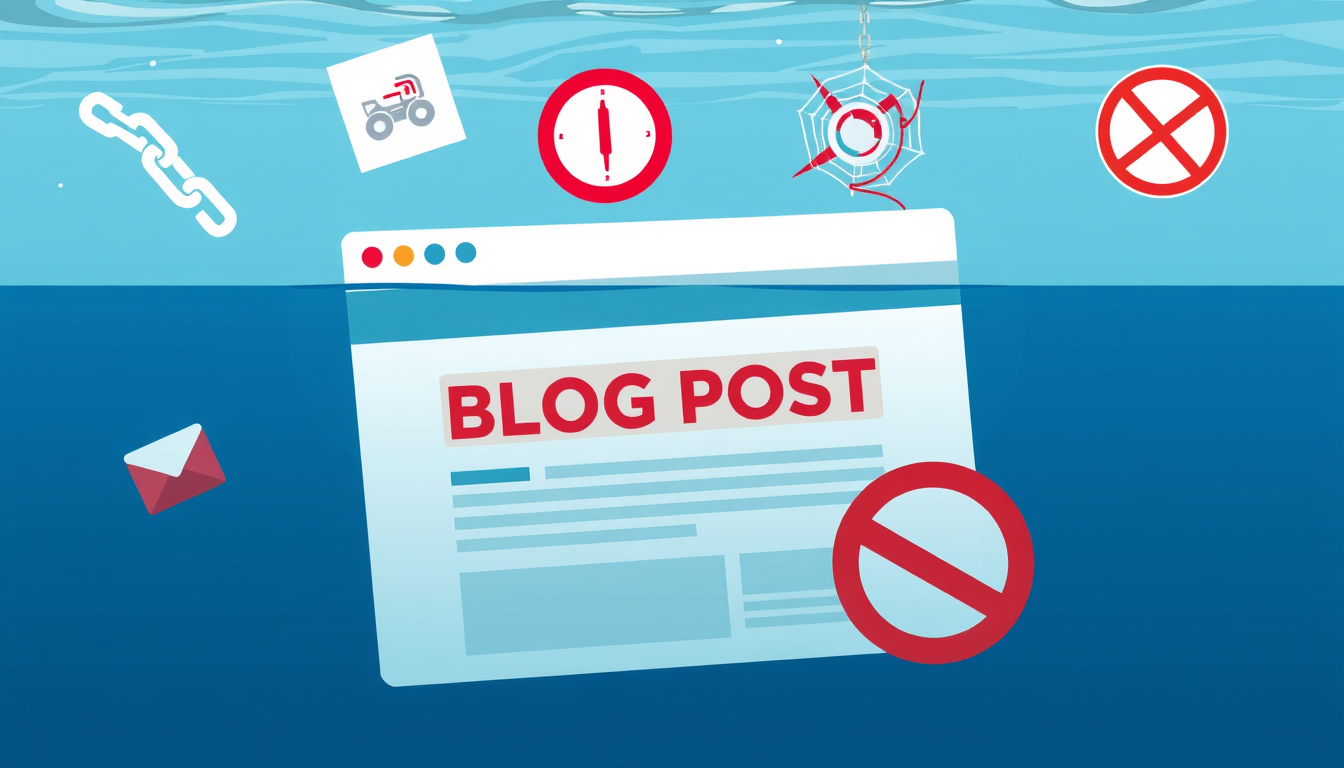
The five technical SEO mistakes that cost bloggers the most traffic are: slow Core Web Vitals (especially LCP above 2.5s), pages accidentally blocked from crawling, unresolved duplicate content without canonical tags, broken internal links, and missing or malformed XML sitemaps. These errors don't just reduce rankings—they can make pages invisible to Google entirely, regardless of how good the writing is.
Why Technical SEO Mistakes Hurt Blogs Harder Than Authority Sites
Big publishers have engineering teams monitoring crawl health daily. Solo bloggers don't—which means a mischecked 'noindex' box in WordPress, a caching plugin that blocks Googlebot, or a theme update that breaks structured data can quietly tank a site for months before anyone notices. Google's own documentation confirms that pages it can't crawl or render simply won't rank, regardless of content quality. The painful reality: bloggers spend hours writing and zero time auditing. Run a free crawl in Screaming Frog or use Google Search Console's Coverage report every 30 days. Check specifically for 'Excluded' pages—that's where hidden traffic losses live. A site with 200 posts and 40 excluded pages is effectively 20% smaller in Google's eyes than it should be. Technical issues don't announce themselves; you have to go looking.
The 5 Technical SEO Mistakes Ranked by Traffic Impact
1. Slow Core Web Vitals: Google's PageSpeed Insights will show your LCP, CLS, and INP scores. An LCP above 2.5 seconds directly correlates with ranking drops. Fix it first—compress images with ShortPixel, switch to a faster host, and remove render-blocking scripts. 2. Crawl blocking errors: A single wrong setting in robots.txt or a stray noindex meta tag can deindex your best posts. Verify in Search Console under Settings > Crawl Stats. 3. Duplicate content without canonicals: Category pages, tag pages, and paginated archives often duplicate post content. Add canonical tags pointing to the original post—Yoast SEO and Rank Math do this automatically if configured correctly. 4. Broken internal links: Every 404 on an internal link wastes crawl budget and kills PageRank flow. Ahrefs Site Audit or Broken Link Checker finds these in minutes. 5. Missing XML sitemap: Without a submitted sitemap, Google discovers your posts by chance. Submit yours in Search Console and verify it returns a 200 status code, not a redirect.
What to Stop Doing and What to Actually Track
Stop obsessing over keyword density and start checking crawl coverage weekly. The most common mistake bloggers make after a traffic drop is rewriting content when the real problem is a technical one—a redirect chain created during a domain migration, a CDN caching the wrong headers, or a plugin adding noindex to new posts by default. Three metrics to track in Search Console monthly: total indexed pages (should match your published post count roughly), average crawl response time (aim under 300ms), and pages with 'Discovered but not indexed' status (Google found them but won't crawl—often a signal of thin content or crawl budget issues). For mobile: use the URL Inspection tool to test the mobile-rendered version of your five highest-traffic posts. Google indexes the mobile version first. If your mobile layout hides content in collapsed tabs or JavaScript-rendered sections, Google may not count that content at all. Fix rendering issues before building more links.
Key Takeaways
- A single noindex tag or robots.txt error can deindex your best content with zero warning—check Search Console's Coverage report monthly.
- LCP above 2.5 seconds is a confirmed ranking factor; compress images and upgrade hosting before any other optimization.
- Duplicate content from tag and category pages dilutes your site's authority—add canonicals or noindex those archive pages today.
- Broken internal links waste crawl budget and kill PageRank distribution; audit them with Screaming Frog or Ahrefs every quarter.
- Google indexes the mobile version of your pages first—if your content hides behind JavaScript on mobile, it may not rank at all.
FAQ
Q: How do I know if a technical SEO issue is causing my traffic drop?
A: Open Google Search Console and compare your 'Total indexed pages' to your actual published post count—a growing gap signals a crawl or indexing problem. Then check the Coverage report for spikes in 'Excluded' or 'Error' pages around the date your traffic dropped.
Q: Does site speed really affect Google rankings for small blogs?
A: Yes, directly—Google confirmed Core Web Vitals as a ranking signal in 2021, and the threshold applies to all sites regardless of size. A blog loading in 5 seconds competes at a measurable disadvantage against a similar post loading in 1.5 seconds, especially on mobile.
Q: What if I fix these technical issues but traffic still doesn't recover?
A: Technical fixes remove the ceiling on rankings but don't automatically trigger re-crawling—submit affected URLs through the URL Inspection tool and request indexing to speed up recovery. If traffic stays flat after 4–6 weeks, the issue is likely content relevance or backlink authority, not technical SEO.
Conclusion
Technical SEO mistakes are silent traffic killers because they operate below the surface—no error message, no obvious symptom, just rankings that never move. The fastest wins come from fixing Core Web Vitals, clearing crawl errors in Search Console, and auditing your site with Screaming Frog once a quarter. Start with Search Console's Coverage report today: if your indexed page count is lower than your published post count, you already have a problem worth fixing.
Related Posts
- How Do Bloggers Rank in 2026? The Complete SEO Guide
SEO for bloggers in 2026 demands topical authority, structured content that AI engines can parse, and flawless technical foundations. This guide gives you the exact playbook—keyword research through link building—so you rank in both traditional and AI-powered search. - How Long Before a New Blog Gets Google Traffic?
Most new blogs won't see meaningful organic traffic for 6–12 months—and that's normal, not failure. Google needs time to crawl, index, and trust your domain. But the actions you take in months 1–3 directly determine whether you break out at month 6 or stay stuck at zero. - How Do You Optimize Ghost Blogs for AI Search?
Optimizing a Ghost blog for AI search engines means structuring every post so AI models can extract, quote, and cite your content as the authoritative answer. This requires semantic HTML, schema markup, direct Q&A formatting, and clean metadata Ghost already supports natively.
Also on AI Future Lab
- Brain Nutrients, Ediacaran Fossils, and Genetic Painkillers
Scientists discover gene for brain-protecting nutrient queuosine, uncover ancient animal fossils, and develop genetic painkillers from rare mutation. - 3 Major Scientific Breakthroughs That Could Transform Medicine
Discover groundbreaking advances in brain nutrients, ancient fossils, and genetic painkillers that are reshaping medical science in 2026.