How Do Beginners Use Vibe Coding With AI?
Vibe coding is the practice of building real, working software by simply describing what you want to an AI in plain English. You don't need to memorize syntax or take a course first — you just need an idea and a willingness to experiment. It's the most beginner-friendly entry point into coding that
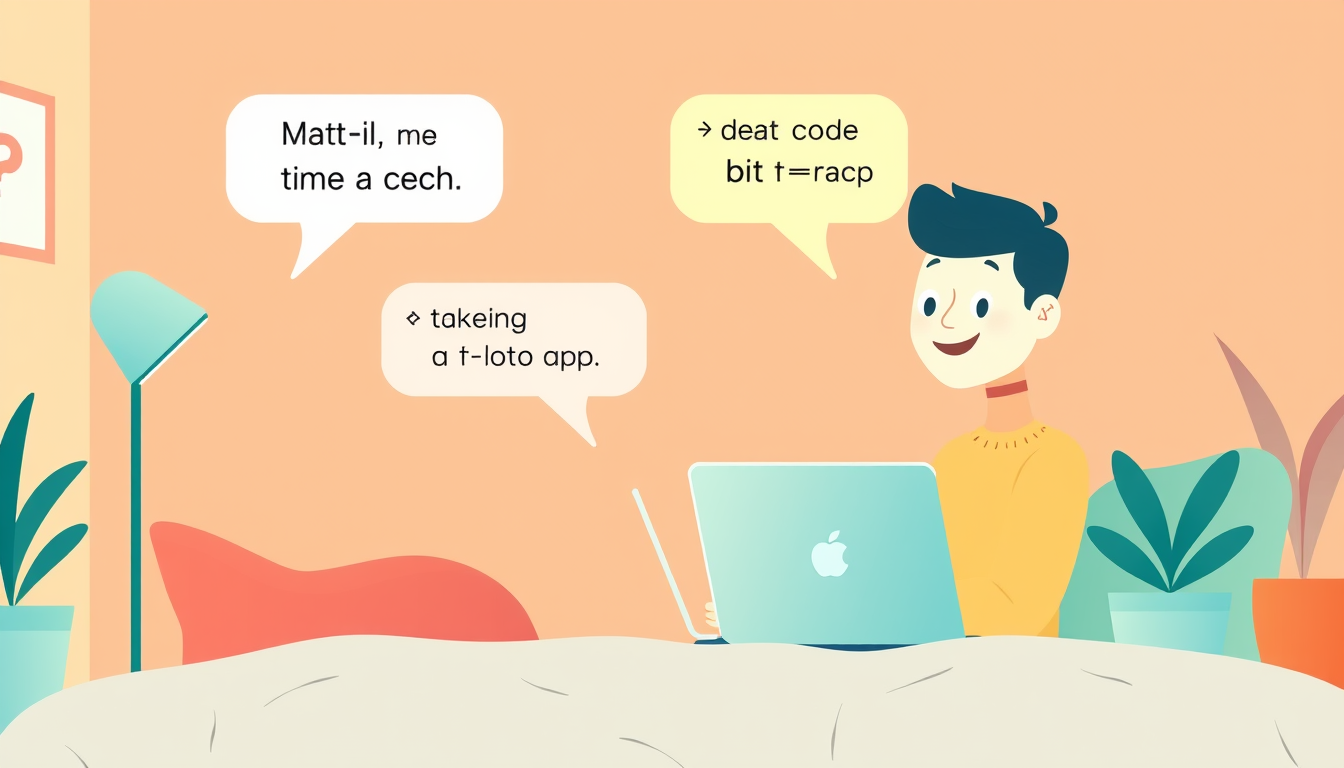
Vibe coding means telling an AI tool — like ChatGPT, Claude, or Cursor — what you want to build using plain, everyday language, and letting the AI write the actual code for you. You steer the project by describing your vision, reviewing what the AI produces, and refining it through conversation. No memorizing syntax, no computer science degree — just your idea and your words.
What Is Vibe Coding? A Beginner-Friendly Explanation
Think of vibe coding like being a film director. A director doesn't personally operate the camera, edit the footage, or compose the music — but they absolutely make the movie by communicating a clear vision to a skilled team. Vibe coding works the same way: you are the director, and the AI is your incredibly fast, tireless technical crew.
The term was coined in early 2025 by AI researcher Andrej Karpathy, who described a style of coding where you lean fully into AI assistance and let it handle the technical heavy lifting. Instead of learning every rule of a programming language first, you describe what you want in natural language — the same way you'd text a friend — and the AI translates that into real, runnable code.
Here's a concrete example you can try right now: Open ChatGPT (chat.openai.com — free to use) and type: 'Write me a simple webpage that shows today's date and says Good Morning in big colorful letters.' Hit send. In seconds, you'll receive actual HTML code — a real webpage. That's vibe coding. You had the idea; the AI handled the technical part. You just made something real without writing a single line of code yourself.
How to Start Vibe Coding in 5 Simple Steps
You can have your first vibe coding win in under 15 minutes. Here's exactly how:
1. **Pick a free AI tool.** Start with Claude (claude.ai) or ChatGPT (chat.openai.com). Both have free tiers and are excellent for beginners. No signup credit card needed for the basic plans.
2. **Choose a tiny first project.** The smaller, the better. Try: 'a webpage that asks for my name and says hello back' or 'a simple tip calculator.' Tiny projects build confidence fast.
3. **Write your request in plain English.** Don't overthink this. Type what you want like you're texting a smart friend. Example: 'Build me a simple tip calculator. I type in my bill total and choose 15%, 18%, or 20%, and it shows me how much to tip.' That's a perfect prompt.
4. **Copy the code and run it.** The AI will give you code, usually HTML or Python. For HTML, copy the text, paste it into a free tool called CodePen (codepen.io — no account needed), and click Run. Your creation appears instantly. That feeling? Celebrate it. You just shipped something.
5. **Refine by chatting.** If something looks wrong, just tell the AI: 'The button is too small, can you make it bigger and change it to blue?' Treat it like a conversation. Each exchange makes your project better.
Common Beginner Mistakes in Vibe Coding (And How to Fix Them)
Vibe coding is forgiving, but a few stumbling blocks catch almost every beginner. Knowing them in advance saves you frustration.
**Mistake 1: Being too vague.** Prompts like 'make me an app' give the AI nothing to work with. Fix it by adding details: what does it do, who uses it, what should it look like? More context = better results every time.
**Mistake 2: Trying to build too much at once.** Asking for a fully-featured social media platform on day one leads to overwhelming, broken code. Fix it by starting with one tiny feature, getting it working, then adding the next piece. Build in layers.
**Mistake 3: Giving up when code doesn't work.** Here's the secret: broken code is normal, even for senior developers. When something breaks, copy the error message exactly and paste it back to the AI with: 'I got this error — can you fix it?' The AI will almost always solve it immediately.
**Mistake 4: Thinking you need to understand every line.** You don't — not at first. Your job is to understand what the code does and whether it matches your vision. Deep understanding comes naturally over time, just by reading and tinkering. Start with outcomes, not explanations.
Key Takeaways
- Vibe coding means directing AI with plain English descriptions instead of writing code manually — you bring the idea, AI brings the technical execution.
- You can build a real, working project today using only free tools like ChatGPT and CodePen — no setup, no downloads, no experience required.
- The quality of your results depends directly on the quality of your prompts — be specific about what you want, who it's for, and how it should look.
- Error messages are not failures — they are prompts waiting to happen; paste any error straight back to the AI and ask it to fix the problem.
- Starting small is the fastest path to confidence — one tiny working project beats ten abandoned ambitious ones every single time.
FAQ
Q: Do I need to learn real coding if I start with vibe coding?
A: Not immediately — you can build genuinely useful projects without writing a single line of code yourself. Over time, many vibe coders naturally pick up coding basics by reading the AI's output, which is a fantastic bonus, but it's never a requirement to get started.
Q: Is vibe coding free for beginners?
A: Yes, completely free tools exist at every step — ChatGPT and Claude both offer free tiers for generating code, and CodePen lets you run HTML projects instantly without an account. You can vibe code your first dozen projects without spending a single dollar.
Q: What if the AI generates code that looks totally different from what I imagined?
A: That's completely normal and part of the process — just describe the gap between what you got and what you wanted, and ask the AI to adjust. Think of it as a collaborative back-and-forth, not a one-shot vending machine; the best results almost always come from a few rounds of refinement.
Conclusion
Vibe coding has genuinely changed who gets to build software — and that now includes you, starting today, with zero experience. It's not about knowing every technical rule; it's about clearly communicating your vision and working with AI as a creative partner. The gap between 'I have an idea' and 'I have a working thing' has never been smaller. Your single most important next step: open ChatGPT right now, type 'Build me a simple webpage that shows today's date in large, colorful text,' paste the result into CodePen, and hit Run. That's your first vibe coding win — and it's waiting for you in the next five minutes.
Related Posts
- What Is Vibe Coding? A Complete Beginner's Guide
Vibe coding is a new way to build software by talking to AI in everyday language instead of writing traditional code. You don't need any programming experience to start. This guide walks you from zero to your first working project in minutes. - How Can Beginners Use AI to Learn Coding Fast?
The best AI coding tool for complete beginners is Cursor AI — it lets you describe what you want in plain English and writes the code for you. You don't need to memorize syntax or take a course first. Within 30 minutes, you can have something real running on your screen. - How Does AI Vibe Coding Work for Nonprogrammers?
Vibe coding is the beginner-friendly approach of describing what you want to an AI tool like ChatGPT or Claude, and watching it write the code for you. Forbes and Business Insider are calling it a revolution because anyone — coaches, creators, side-hustlers — can now build a working app in a single