How to Automate Data Entry with AI (Step-by-Step)
I used to spend 6+ hours a week on manual data entry. Then I set up an AI-powered workflow that handles 90% of it automatically. Here's exactly how I did it.


Last month, I timed myself copying invoice data into a spreadsheet. Forty-three minutes for 22 invoices — and I caught two mistakes after the fact. That was the moment I finally committed to figuring out how to automate data entry AI-style, and honestly, I wish I'd done it two years ago.
What You Need Before You Start
Alright, before we dive into the steps, let's make sure you've got everything lined up. The good news? You don't need to be a developer. I'm not one, and I got this running on a Sunday afternoon.
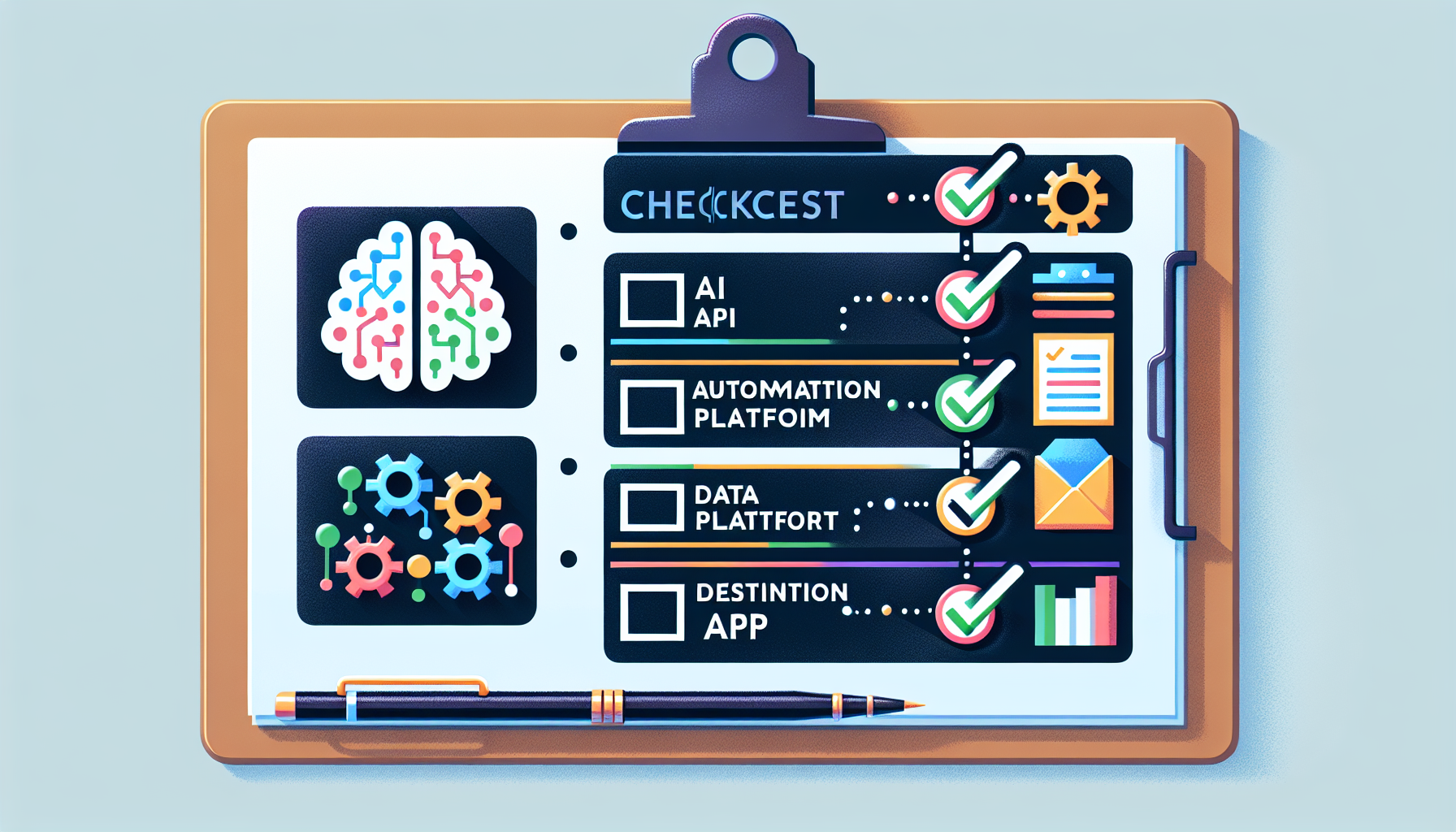
**Here's your checklist:**
1. **An AI API account** — I recommend Claude API by Anthropic. It's excellent at understanding messy, real-world documents. GPT-4 works too, but Claude's structured output handling has been more reliable in my testing. 2. **An automation platform** — Zapier, Make (formerly Integromat), or n8n. These connect your apps without code. I use Make because the free tier is generous. 3. **Your data source** — This could be emails with attachments, scanned PDFs, photos of receipts, web forms, or even handwritten notes (yes, really). 4. **Your destination** — Google Sheets, Airtable, your CRM, an ERP system — wherever this data needs to land. 5. **About 45-60 minutes** — for initial setup. After that, it runs on autopilot.
**Difficulty level: Beginner-friendly.** If you can set up a Zapier trigger, you can do this.
One quick note: start with a single, repetitive data entry task. Don't try to automate everything at once. I started with vendor invoices because I had the most volume there — about 80-100 per month. Pick your biggest pain point and nail that first.
Step-by-Step: Setting Up Your AI Data Entry Pipeline
Here's the exact process I followed to automate data entry AI workflows from scratch. I'll use invoices as our example, but this works for any structured data.
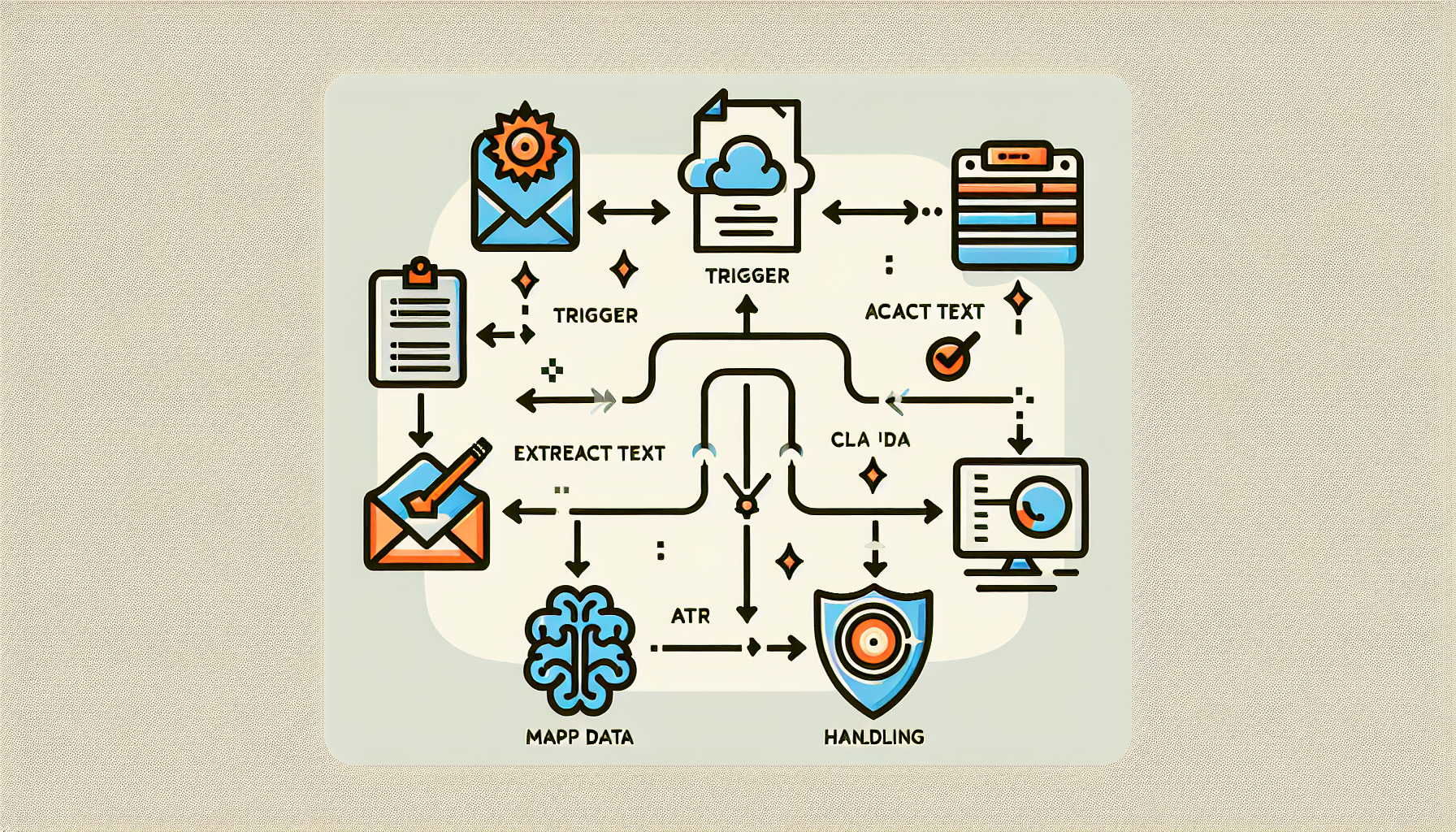
**Step 1: Set up your trigger.** In your automation platform (I'm using Make), create a new scenario. Your trigger is whatever kicks off the process — for me, it's "new email arrives in my invoices@ alias." It could also be a file uploaded to Google Drive or a form submission.
**Step 2: Extract the raw content.** Add a module that pulls the text from your source. For PDFs, use a PDF-to-text parser (Make has built-in ones, or use a tool like DocParser). For images, route them through an OCR step first — Google Vision API handles this beautifully.
**Step 3: Send the text to your AI.** This is where the magic happens. Add an HTTP module that sends the extracted text to the Claude API with a prompt like:
*"Extract the following fields from this invoice: vendor name, invoice number, date, line items, subtotal, tax, and total. Return the result as JSON."*
Claude consistently returns clean, structured JSON — which is exactly what we need for the next step.
**Step 4: Map the AI output to your destination.** Parse that JSON response and map each field to the corresponding column in your Google Sheet, Airtable base, or CRM record. Done.
**Step 5: Add error handling.** Set up a filter that flags entries where the AI's confidence seems low (e.g., missing fields). Route those to a "review needed" queue. I check mine once a day — takes about 3 minutes.
That's it. Five steps. Once this runs, every new invoice gets processed automatically within seconds of arriving.
Real Results: Time and Cost Savings
Let me share the actual numbers from my first three months after deciding to automate data entry AI workflows.
**Before automation:** - ~6 hours/week on manual data entry - Error rate of roughly 4-5% (typos, wrong fields, missed entries) - Constant context-switching that killed my focus for deeper work
**After automation:** - ~25 minutes/week reviewing flagged entries - Error rate dropped below 1% - I reclaimed over 20 hours per month
Let's talk money. If you value your time at even $30/hour, that's $600/month saved. My total tool costs? About $45/month — $20 for Make's basic plan and roughly $25 in Claude API usage for processing ~400 documents. That's a **13x return on investment**, and it only gets better as volume grows because the API cost per document is pennies.
A friend of mine runs a small e-commerce brand and used this exact approach to automate data entry AI processing for customer orders flowing from Shopify into their inventory system. She cut her VA's data entry hours from 15 per week to 2 — and reassigned that person to customer support, where they actually enjoy working.
The compounding benefit people don't talk about enough: accuracy. Humans get tired at row 50. AI doesn't. My reconciliation errors have essentially disappeared, which means fewer awkward emails to vendors asking "wait, did we actually owe you that much?"
❓ FAQ
Can AI handle messy or handwritten documents?
Yes, with a caveat. Pair an OCR tool like Google Vision with Claude, and it handles most printed and neatly handwritten text well. Very sloppy handwriting still trips it up occasionally, so I'd route those to a manual review queue rather than trusting them blindly.
Is my data safe when using AI APIs for data entry?
Anthropic's Claude API doesn't use your data for training by default, which is a big deal for business documents. That said, always check the latest terms and consider whether your data falls under compliance requirements like HIPAA or GDPR — you may need additional safeguards or a Business Associate Agreement.
What if my data entry tasks change over time?
That's the beauty of using a language model instead of rigid templates. When your invoice format changes or you add a new vendor, you just tweak the prompt — no rebuilding extraction rules from scratch. I've updated my prompt maybe three times in three months, and each tweak took under five minutes.
Conclusion
If you're still manually punching data into spreadsheets, I genuinely hope this guide lights a fire. The tools to automate data entry AI-powered workflows are accessible, affordable, and far easier to set up than most people assume. Start with one painful, repetitive task. Set up a simple pipeline using Claude API and an automation platform like Make or Zapier. Watch it work for a week, refine your prompt, and then expand from there. Future-you will be very, very grateful.