AI-Powered Recruitment Automation
# AI-Powered Recruitment Automation: How I Cut My Hiring Time by 75% Without Writing a Single Line of Code
**⏱️ Time to set up: 3–4 hours | 🎯 Difficulty: Beginner-friendly | 💰 Monthly cost: $0–$150**
---
I used to spend 20+ hours a week buried in resumes. Copy-pasting candidate details into spreadsheets. Sending the same screening email over and over. Scheduling interviews through an endless chain of back-and-forth messages. It was exhausting, error-prone, and honestly, it made me dread the hiring process.
Then I decided to **automate recruitment AI**-style — using no-code tools that handle the repetitive parts of hiring while I focus on what actually matters: talking to great candidates and making smart decisions.
In this guide, I'll walk you through exactly how I built my automated recruitment pipeline, step by step. No programming required. No expensive enterprise software. Just smart, practical automation that anyone can set up in an afternoon.
---
## The Problem: Recruitment Is a Time Vampire
If you've ever hired for a role — whether you're a startup founder, an HR team of one, or a small agency recruiter — you know the pain:
- **Resume overload.** A single job posting can generate 150–300 applications. Scanning each one takes 2–3 minutes. That's 5–15 hours just on initial screening.
- **Repetitive communication.** Acknowledgment emails, rejection emails, interview invitations — it's the same message with minor tweaks, sent hundreds of times.
- **Scheduling chaos.** Coordinating calendars between candidates and hiring managers is a logistical nightmare.
- **Data entry.** Manually tracking candidates across stages in a spreadsheet or basic ATS leads to errors, lost candidates, and no useful analytics.
I tracked my time for one hiring cycle last year. For a single mid-level marketing role, I spent **82 hours** over six weeks on tasks that were almost entirely manual and repetitive. That's two full work weeks — gone.
Something had to change.
---
## The Solution: A No-Code AI Recruitment Pipeline
The breakthrough for me was realizing I didn't need to buy a $500/month enterprise ATS or hire a developer. I could **automate recruitment AI** workflows by stitching together affordable, beginner-friendly tools that handle:
1. **Resume parsing and scoring** (AI reads and ranks candidates)
2. **Automated screening communication** (emails sent without manual effort)
3. **Interview scheduling** (self-service booking for candidates)
4. **Pipeline tracking** (automatic status updates and reporting)
Here's the exact system I built — and how you can build it too.
---
## What You Need
Before we start, gather these tools. Most offer free tiers or affordable plans:
| Tool | Purpose | Cost |
|------|---------|------|
| **Google Forms or Typeform** | Application intake | Free – $25/mo |
| **Make (formerly Integromat)** or **Zapier** | Workflow automation | Free – $20/mo |
| **ChatGPT API or Claude API** | Resume screening & scoring | ~$5–15/mo (usage-based) |
| **Google Sheets or Airtable** | Candidate tracking database | Free – $20/mo |
| **Calendly** | Interview self-scheduling | Free – $12/mo |
| **Gmail or SMTP service** | Automated emails | Free |
**Total estimated monthly cost: $0–$92** (compared to $200–$500/mo for most ATS platforms)
You'll also need:
- A clear job description with defined must-have qualifications
- 60–90 minutes of focused setup time per workflow step
- A willingness to test and iterate (your first version won't be perfect — and that's fine)
---
## The Step-by-Step Process
### Step 1: Build a Structured Application Intake Form
**Time: 30 minutes**
Forget the "email your resume to jobs@" approach. Unstructured applications are the enemy of automation.
I created a **Typeform** application that collects:
- Name, email, phone number
- LinkedIn URL
- Resume upload (PDF)
- 3–4 knockout questions tied directly to the job requirements
**Example knockout questions for a marketing role:**
- "How many years of experience do you have managing paid ad budgets over $10K/month?" (dropdown: 0, 1–2, 3–5, 5+)
- "Which platforms have you managed campaigns on?" (multi-select: Google Ads, Meta, LinkedIn, TikTok)
- "Are you authorized to work in [count
ry] without sponsorship?" (Yes/No)
**Why this matters:** Structured data is automatable. Free-text emails are not. This single change made everything downstream possible.
**Pro tip:** Typeform's logic jumps let you automatically disqualify candidates who don't meet non-negotiable requirements, saving AI processing costs on applications that clearly don't fit.
---
### Step 2: Connect Your Form to an AI Screening Workflow
**Time: 60–90 minutes**
This is where the magic happens. When a candidate submits their application, an automation platform like **Make** triggers a workflow:
**Here's the flow I built:**
1. **Trigger:** New Typeform submission received
2. **Action 1:** Extract resume text (using Make's PDF-to-text module or a tool like Docparser)
3. **Action 2:** Send resume text + job description to **ChatGPT API** with a carefully crafted prompt
4. **Action 3:** Receive a structured score and summary back from the AI
5. **Action 4:** Log everything into an **Airtable** base with columns for score, summary, and stage
**The AI prompt I use (feel free to steal this):**
```
You are a recruitment screening assistant. Compare the following resume against the job description provided. Return a JSON response with:
- "score": a number from 1–10 based on qualification match
- "summary": a 2–3 sentence assessment of the candidate's fit
- "strengths": top 3 relevant strengths
- "concerns": any gaps or red flags
- "recommendation": one of "ADVANCE", "MAYBE", or "PASS"
Job Description: [inserted automatically]
Resume Text: [inserted automatically]
```
**Results from my first use:** Out of 187 applications for a content strategist role, the AI correctly identified my eventual top 5 candidates — all scored 8 or above. It also flagged 112 candidates as "PASS" that I would have manually spent 4+ hours reviewing only to reach the same conclusion.
**Important caveat:** AI screening is a *filter*, not a *decision-maker*. I always review "MAYBE" candidates personally, and I periodically audit "PASS" candidates to make sure the AI isn't exhibiting bias or missing strong applicants with unconventional backgrounds. This human oversight is non-negotiable.
---
### Step 3: Set Up Automated Candidate Communication
**Time: 30–45 minutes**
Nobody likes applying to a job and hearing nothing back. With automation, every candidate gets a timely, professional response — without you typing a single email.
**I set up three automated email triggers in Make:**
**Email 1 — Application Received (Immediate)**
> "Hi [First Name], thanks for applying for [Role] at [Company]. We've received your application and will review it within [X] business days. We'll be in touch with next steps either way."
**Email 2 — Advanced to Interview (When AI score ≥ 7)**
> "Hi [First Name], great news — we'd love to learn more about you. Please book a time for an initial conversation using this link: [Calendly link]. Looking forward to speaking with you."
**Email 3 — Not Moving Forward (When AI score ≤ 4, sent with 48-hour delay)**
> "Hi [First Name], thank you for your interest in [Role]. After careful review, we've decided to move forward with other candidates whose experience more closely matches our current needs. We appreciate your time and encourage you to apply for future openings."
**The 48-hour delay on rejections is deliberate.** Instant rejections feel impersonal and can damage your employer brand. A short delay makes the response feel considered.
**"MAYBE" candidates (scores 5–6)** don't get an automated email — they go into a manual review queue that I check daily.
---
### Step 4: Automate Interview Scheduling
**Time: 15–20 minutes**
The Calendly link in Email 2 does the heavy lifting here. I configured it to:
- Show only my available interview slots
- Include a 15-minute buffer between meetings
- Send automatic reminders (24 hours and 1 hour before)
- Add a pre-interview questionnaire ("What excites you most about this role?" and "What's your salary expectation?")
When a candidate books, Make automatically updates their status in Airtable from "Screening" to "Interview Scheduled" and sends me a Slack notification with their AI summary so I can prep.
**Time saved per candidate: ~12 minutes** of bac

k-and-forth scheduling emails. Across 25 interviews, that's 5 hours reclaimed.
---
### Step 5: Build Your Live Tracking Dashboard
**Time: 30 minutes**
In **Airtable**, I created views that give me instant visibility into my pipeline:
- **Kanban view:** Cards for each candidate organized by stage (Applied → Screened → Interview → Offer → Hired/Rejected)
- **Gallery view:** Quick visual scan of top candidates with photos, scores, and summaries
- **Grid view with filters:** Sort by AI score, application date, or specific qualifications
Every status change is automated. When I move a candidate to "Offer" stage, a personalized email template goes out. When I mark someone as "Rejected" post-interview, they receive a thoughtful decline message within 24 hours.
No more "Did we ever get back to that candidate?" moments. The system handles it.
---
## The Results: Before and After
Here's what changed after I started using this system to **automate recruitment AI** workflows:
| Metric | Before Automation | After Automation |
|--------|-------------------|------------------|
| Time spent per hire | ~82 hours | ~20 hours |
| Time to first response | 3–5 days | Instant |
| Average time-to-hire | 42 days | 18 days |
| Candidate experience rating | Never measured | 4.6/5 (post-process survey) |
| Monthly tool costs | $0 (but massive time cost) | ~$60 |
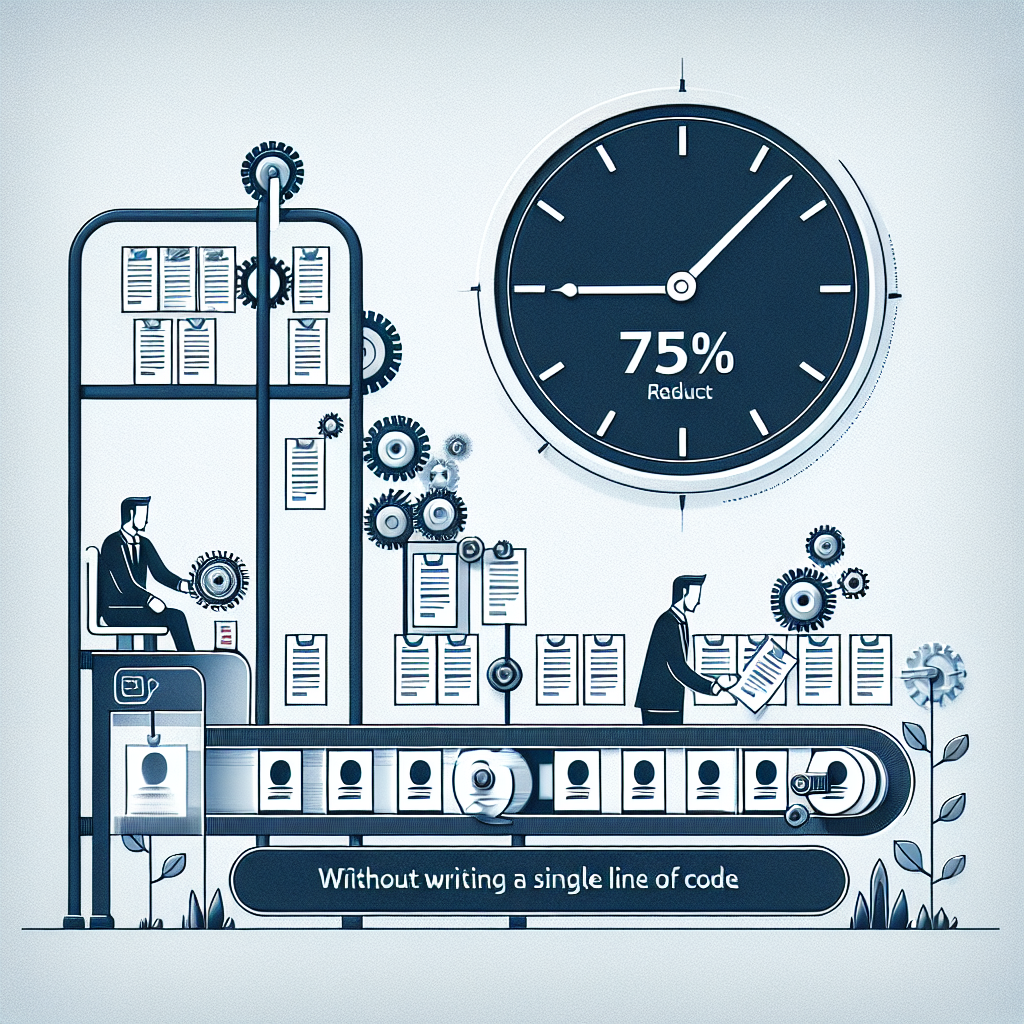
The 75% reduction in time wasn't the only win. Candidates consistently told me the process felt fast, organized, and respectful. That matters — especially when you're competing for talent against companies with dedicated recruiting teams.
---
## Cost Analysis: Is It Worth It?
Let's do quick math. If your time (or your recruiter's time) is worth $40/hour:
- **Old process:** 82 hours × $40 = **$3,280 in time per hire**
- **New process:** 20 hours × $40 + $60 tools = **$860 per hire**
**That's a savings of $2,420 per hire.** If you fill 5 roles per year, you're saving over $12,000 annually — and getting better results.
---
## Common Mistakes to Avoid
After helping several friends and clients set up similar systems, here are the pitfalls I've seen:
1. **Over-automating the human moments.** Automate screening and scheduling, not relationship-building. Final interviews and offer conversations should always be personal.
2. **Skipping the audit.** Review your AI's screening decisions monthly. Check for patterns of bias around education, career gaps, or non-traditional backgrounds.
3. **Writing vague prompts.** The quality of AI screening depends entirely on your prompt specificity. Include concrete criteria, not vague qualities like "culture fit."
4. **Forgetting compliance.** Depending on your jurisdiction, you may need to disclose AI use in hiring. Check local regulations (NYC's Local Law 144 is a notable example).
---
## Ready to Build Your Own Automated Recruitment Pipeline?
If you're spending hours every week on repetitive hiring tasks, you owe it to yourself to **automate recruitment AI** workflows using the approach I've outlined above.
**Here's how to start today:**
👉 **[Sign up for Make.com (free plan available)](https://make.com)** — this is the automation backbone that connects everything. Their visual workflow builder is genuinely beginner-friendly, and the free tier gives you enough operations to test the entire pipeline before spending a dime.
Once you have Make set up, build the workflow one step at a time. Start with Step 1 (structured intake form) and add automation layers as you get comfortable. Within a single afternoon, you'll have a system that works harder than a full-time recruiting coordinator — and never forgets to follow up.
---
## Final Thought
The best part about deciding to **automate recruitment AI** processes isn't the time savings — though those are substantial. It's the shift in how you spend your energy. Instead of drowning in admin, you're having real conversations with promising candidates. Instead of losing great applicants to slow response times, you're booking interviews within hours of their application.
The tools are here. They're affordable. They don't require coding. The only question is how many more hiring cycles you want to do the old way.
I built my system in one afternoon. Your turn. 🚀