5 Easy AI Automations You Can Start Today (No Code)
You don't need to be a developer to automate the boring stuff. Here are 5 easy AI automations I personally use to save hours every week — and you can set them up before lunch.


Last Tuesday, I spent exactly zero minutes sorting my inbox, writing meeting summaries, or reformatting spreadsheet data. Not because I hired an assistant — because I finally set up a few easy AI automations that handle the tedious stuff while I focus on work that actually matters. If you've been curious about automation but assumed it requires a computer science degree, pull up a chair.
Why Most People Overcomplicate Automation
Here's the thing I wish someone told me two years ago: automation isn't about building some elaborate Rube Goldberg machine. It's more like setting up a really smart coffee maker — you configure it once, and it just works every morning.
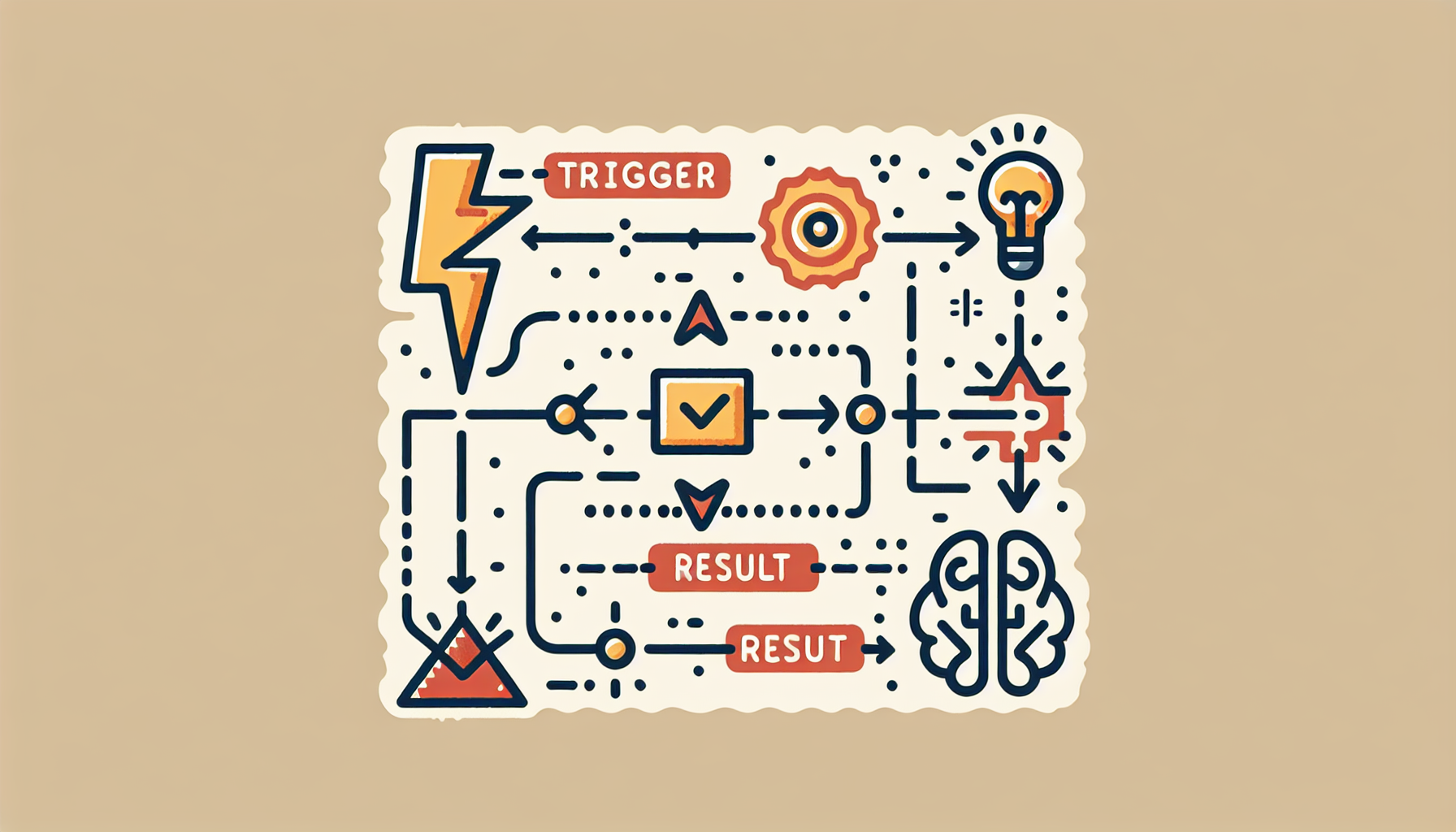
Most easy AI automations follow a dead-simple pattern: something happens (a trigger), then AI does something about it (an action). That's it. Email comes in? AI drafts a reply. Meeting ends? AI writes the summary. You don't need to write code. You don't need to understand machine learning. You just need to connect a couple of tools, tell the AI what you want, and let it rip.
I personally use a combination of Zapier, Make, and the Claude API for most of my workflows. The learning curve was about the same as figuring out a new streaming app. So let's walk through the five automations I think everyone should start with.
Automation #1: Auto-Summarize Your Meetings
This was my gateway drug into automation, and honestly, it alone saves me about 3 hours per week.
Here's how it works: your meeting recording tool (like Otter.ai or Fireflies) generates a transcript. That transcript automatically gets sent to an AI — I use the Claude API — which pulls out key decisions, action items, and who's responsible for what. The summary lands in Slack or your email before you've even closed the Zoom window.
I set this up for my team last month. Before, our meeting notes were either nonexistent or a messy doc nobody read. Now everyone gets a clean, two-paragraph summary with bullet-pointed action items within five minutes of the call ending. No extra effort from anyone.
The practical setup: connect your transcription tool to Zapier, add a Claude API step with a prompt like "Summarize this meeting transcript into key decisions, action items with owners, and any open questions," and route the output wherever your team hangs out. Twenty minutes of setup, permanent time savings.
Automation #2: Smart Email Drafting
I'm not talking about generic "Thanks for your email!" auto-replies. I mean actual intelligent draft responses that understand context.
When certain emails hit my inbox — client inquiries, partnership requests, scheduling asks — a Zapier workflow grabs the email content, sends it to Claude with context about how I typically respond, and drops a draft into my inbox. I review it, tweak if needed, and hit send. What used to take 10 minutes of staring at a blinking cursor now takes 30 seconds of light editing.
Pro tip: the secret sauce is in your prompt. Give the AI examples of your actual past replies so it matches your voice. I literally pasted five of my real emails into the system prompt and said, "Write in this style." The results were eerily accurate — my business partner couldn't tell which emails I wrote versus which the AI drafted.
Automation #3: Social Media Content Repurposing
Write once, publish everywhere — that's the dream, right? This is one of those easy AI automations that feels almost like cheating.
I write one blog post (like this one). An automation takes that post and asks Claude to generate a LinkedIn post, three tweets, an Instagram caption, and an email newsletter blurb — all in my voice, all optimized for each platform. The drafts go into a Google Sheet where I can review and schedule them.
Before this automation, I was spending roughly 2 hours per blog post just on repurposing. Now it's about 15 minutes of review. That's a 87% time reduction, and my posting consistency has actually improved because the barrier is so low.
The setup is straightforward in Make or Zapier: new blog post triggers the workflow, AI generates platform-specific versions, outputs land in your preferred tool. Done.
Automation #4: Auto-Organize Incoming Data
If you've ever manually copied data from emails into spreadsheets, this one will feel like a revelation.
I get invoices, form submissions, and client briefs via email constantly. An automation now extracts the key info — names, dates, dollar amounts, project details — and populates the right spreadsheet or database row automatically. Think of it like having a meticulous filing clerk who never takes a lunch break.
This is genuinely one of the easiest easy AI automations to set up because the pattern is so clear: data comes in messy, AI structures it, clean data goes out. I've seen freelancers save 5+ hours a week with just this single workflow. If you deal with any volume of incoming information, start here.
Automation #5: Customer FAQ Auto-Responder
This one's gold for anyone running a small business or side project. Feed your FAQ document and product info into an AI-powered chatbot or email responder. When common questions come in — pricing, hours, how-to's — the AI handles them instantly, 24/7.
I set this up for a friend's e-commerce store using the Claude API and a simple webhook. Customer support tickets dropped by 40% in the first week. Not because customers stopped asking questions, but because the AI resolved the straightforward ones before a human ever needed to step in.
The important nuance: you're not replacing human support. You're filtering out the repetitive stuff so your team can focus on the questions that actually need a human touch. It's a force multiplier, not a replacement.
❓ FAQ
Do I need coding skills to set up easy AI automations?
Nope. Tools like Zapier and Make are entirely visual — you're essentially drawing connections between apps. The Claude API does require pasting a key into a field, but there's no actual programming involved. If you can fill out an online form, you can build these workflows.
How much do these automations cost to run?
Most of these can run on free or low-tier plans to start. Zapier has a free tier, and the Claude API costs pennies per task — I spend about $5-10/month running all five of these automations combined. The ROI is absurd when you factor in the hours saved.
What if the AI makes a mistake?
It will, occasionally. That's why I recommend keeping a "human review" step in every workflow at first. You're not handing over the keys — you're getting a 90% finished draft that you approve. Over time, as you refine your prompts, the accuracy gets scary good.
Conclusion
You don't need to automate your entire life by Friday. Pick one automation from this list — whichever made you think "oh, that would actually help" — and set it up this week. I'd start with the meeting summary or email drafting workflow since they deliver the fastest wins. Pair a tool like Zapier or Make with the Claude API and you'll have your first easy AI automations running in under an hour. Future you will be grateful.